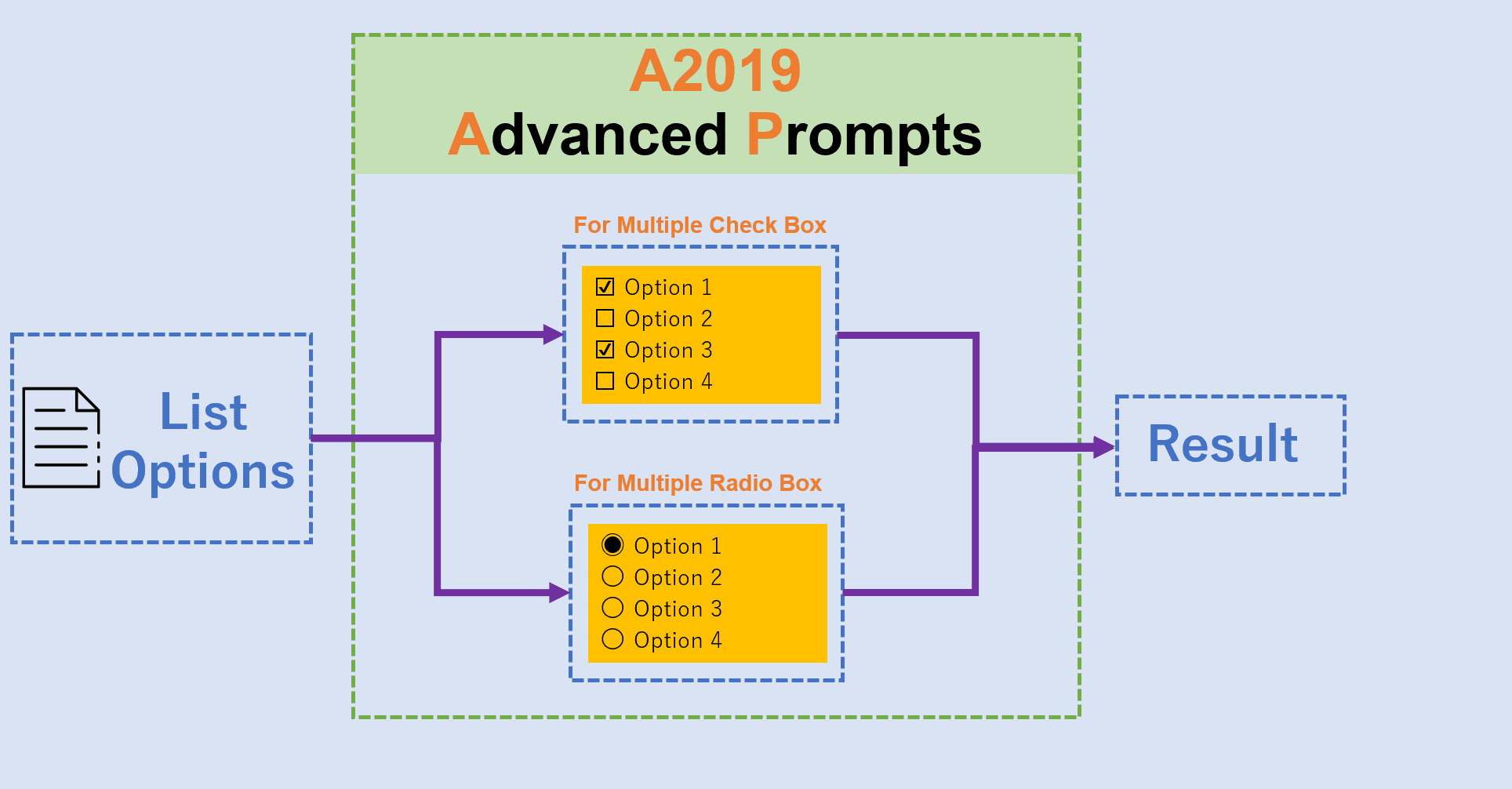
This activity allows you to select multiple inputs using the multiple checkboxes or radio buttons
Top Benefits
Easily select input data with multiple checkboxes and radio buttons
Easy to branch or handle many operations in the same bot
Easy to custom display input data
Tasks
For multiple check boxes
For multiple radio buttons
Unlike the default input dialog activity, this activity allows you to select multiple inputs via multiple checkboxes or radio buttons.
With only 3 simple inputs including the label of the form field, the title of the input dialog, and list options, you can display as an input dialog with many different options.
The result is that all checkbox values are selected by the user in the input dialog.
See the Bot in Action
Setup process
Install
Download the Bot and follow the instructions to install it in your AAE Control Room.
Configure
Use the Bot in a bot, configure keys and other credentials the Bot will need (see the ReadMe for details.)