
CharaCode Converter Package
The CharaCode Converter package provides the action to convert the character code of the Japanese text file
Top Benefits
- Enables automation which requires Japanese text character code conversion.
- Converting Shift-JIS data to UTF-8 for Automation 360 Text/CSV package processing.
- Converting IQ Bot result file(UTF-8) to Shift-JIS or EUC-JP for legacy application which doesn't support UTF-8.
Actions
- Convert character code of Japanese text file.
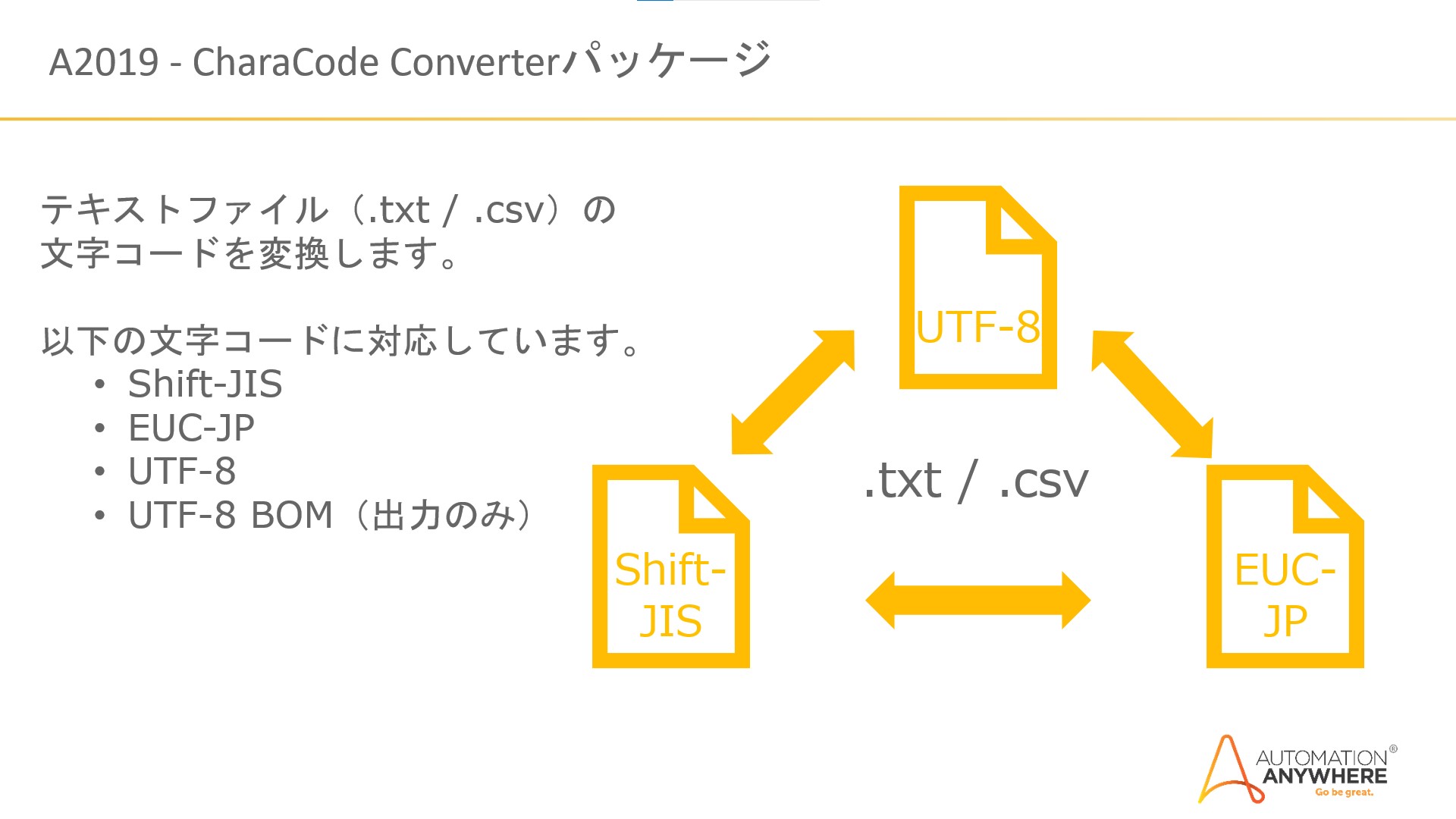
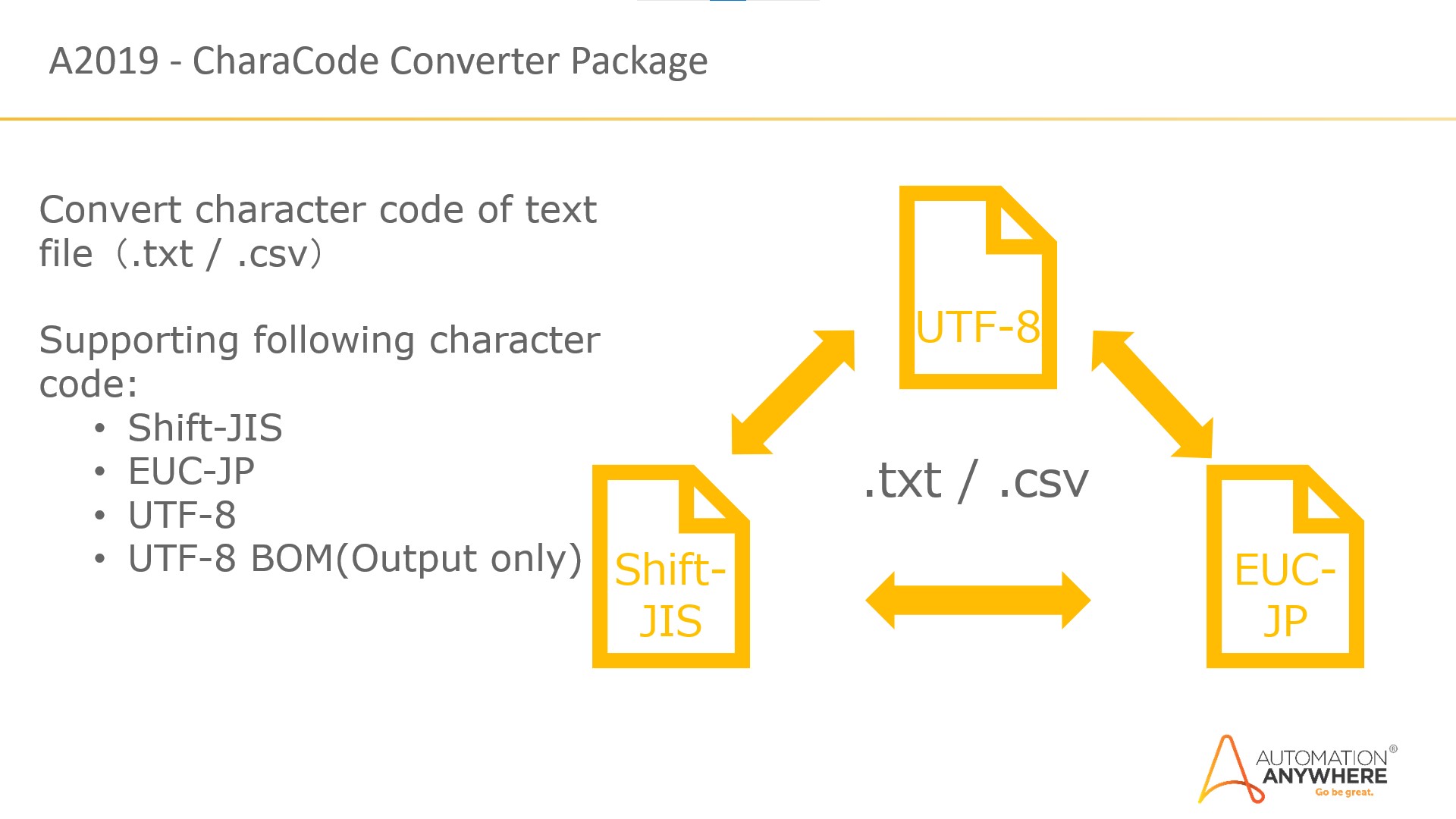
- Supporting Shift-JIS / EUC-JP / UTF-8 character code.
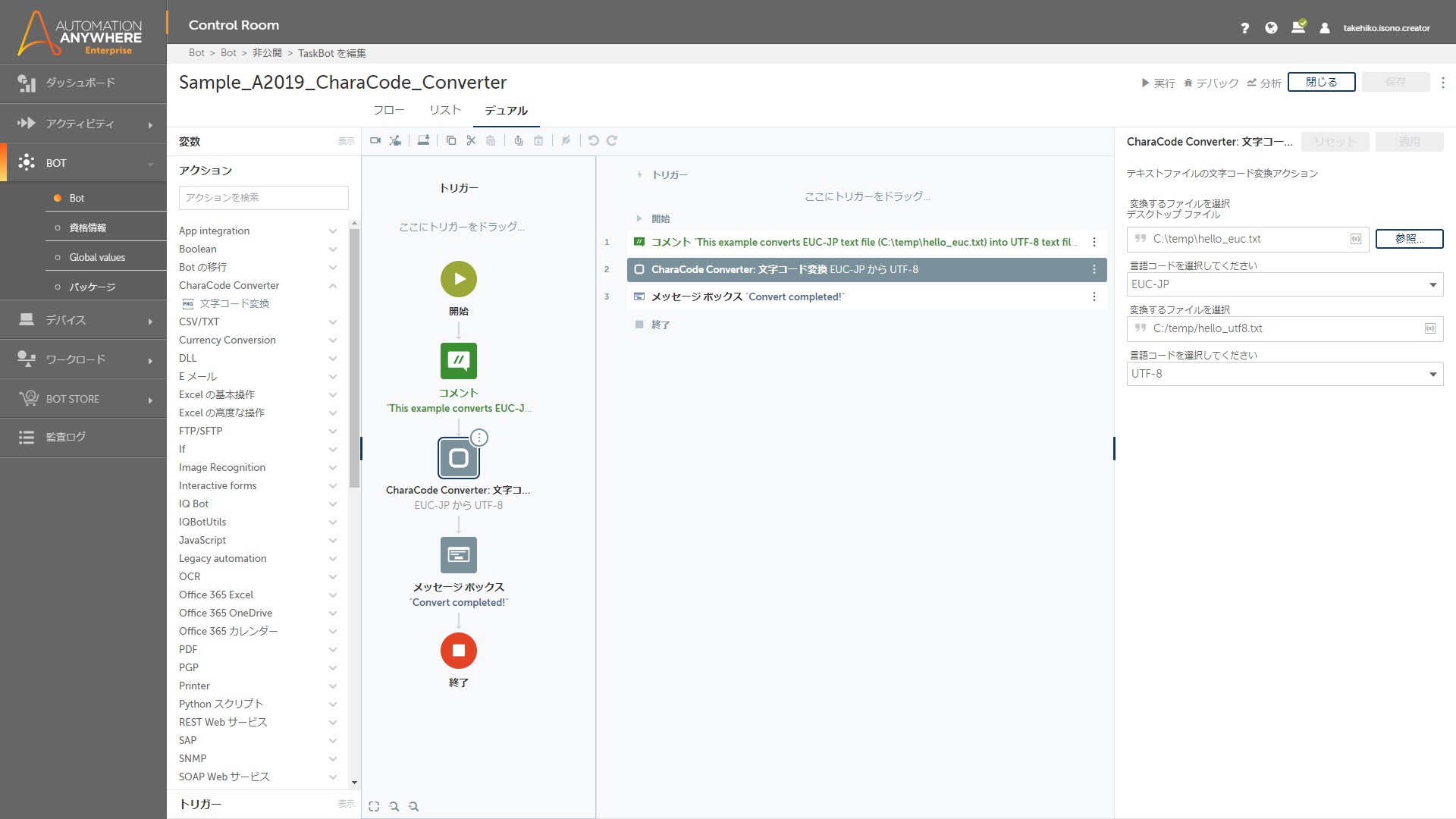
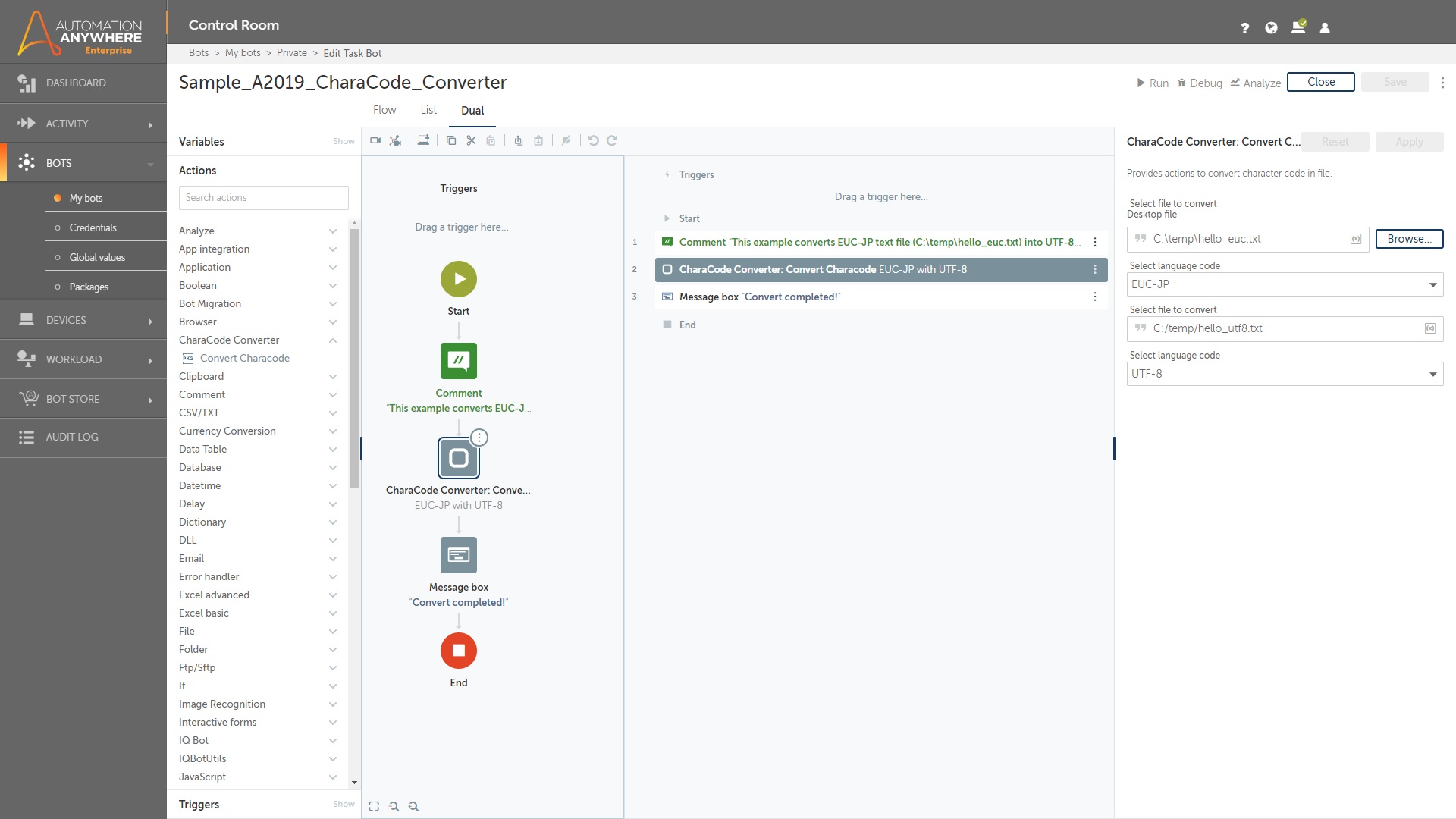
The CharaCode Converter package reads the input text file (.txt/.csv) and converts the character code as specified in the input parameter.
Then saves the converted file.
This package supports Shift-JIS / EUC-JP / UTF-8 as input and output.
Following conversion supported:
Shift-JIS to UTF-8
Shift-JIS to EUC-JP
UTF-8 to Shift-JIS
UTF-8 to EUC-JP
EUC-JP to Shift-JIS
EUC-JP to UTF-8
The source code for this package is available on the Automation Anywhere GitHub page

Success
The download of CharaCode Converter Package will begin shortly.
In your Control Room, use the ‘Import’ button to load the downloaded file into your Automations.
Free
- Applications
-


- Business Process
- Information TechnologyRPA Development
- Category
- RPA Developer Tools
- Downloads
- 84
- Vendor
-

- Automation Type
- Package
- Last Updated
- May 14, 2021
- First Published
- June 9, 2020
- Platform
- Automation 360
- ReadMe
- ReadMe
- Support
-
- Community Support Only
- Pathfinder Community Developer Forum
- Agentic App Store FAQs
- Bot Security Program
-
 Level 1
Bot Security
Level 1
- All automations on Agentic App Store have passed a malware scan.
Bot Security Program
Automation Anywhere Bot Security is the APA industry's first of its kind bot security framework. In partnership with cyber security experts, Bot Security encompasses four (4) progressive levels of security designation. All automations including those built in-house or procured from Agentic App Store, can now be deployed reliably with secure automation development practices in alignment with prevailing Confidentiality, Integrity, and Availability (CIA) cybersecurity principles and best practices. View full Bot Security details.
See the Package in Action
Setup Process
Install
Download the Package and follow the instructions to install it in your AAE Control Room.
Configure
Use the Package in a bot, configure keys and other credentials the package will need (see the ReadMe for details.)
Run
That's it - now the Package is ready to get going!
Requirements and Inputs
- Input: Text file (.txt/.csv)
Customer Reviews
