CharaCode Converter Package

The CharaCode Converter package provides the action to convert the character code of the Japanese text file

Top Benefits

  • Enables automation which requires Japanese text character code conversion.
  • Converting Shift-JIS data to UTF-8 for Automation 360 Text/CSV package processing.
  • Converting IQ Bot result file(UTF-8) to Shift-JIS or EUC-JP for legacy application which doesn't support UTF-8.
Product video fallback

Actions

  • Convert character code of Japanese text file.
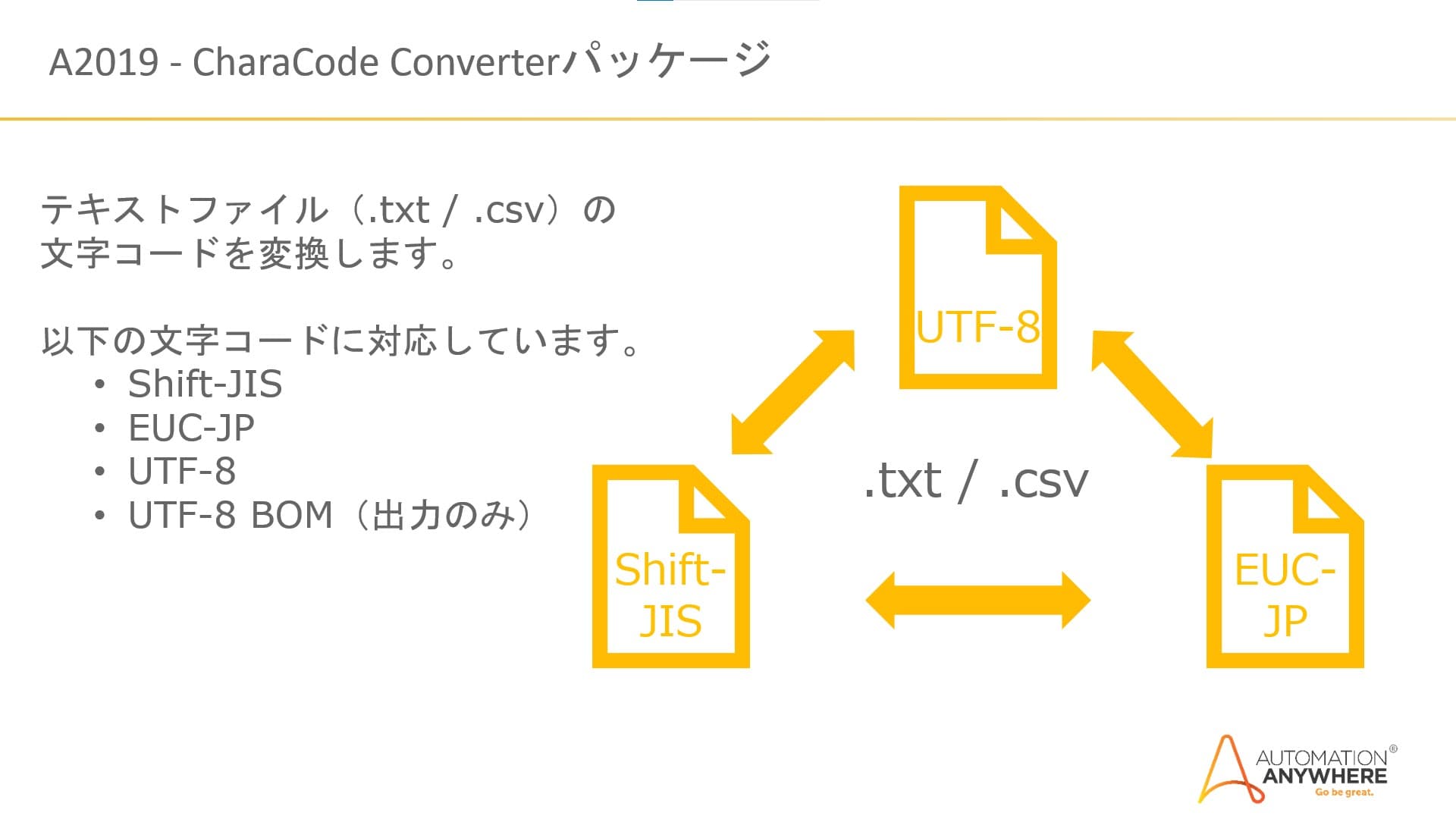
  • Supporting Shift-JIS / EUC-JP / UTF-8 character code.
The CharaCode Converter package reads the input text file (.txt/.csv) and converts the character code as specified in the input parameter. Then saves the converted file. This package supports Shift-JIS / EUC-JP / UTF-8 as input and output. Following conversion supported: Shift-JIS to UTF-8 Shift-JIS to EUC-JP UTF-8 to Shift-JIS UTF-8 to EUC-JP EUC-JP to Shift-JIS EUC-JP to UTF-8 The source code for this package is available on the Automation Anywhere GitHub page

Setup process

Install

Download the Package and follow the instructions to install it in your AAE Control Room.

Configure

Use the Package in a bot, configure keys and other credentials the Package will need (see the ReadMe for details.)

Run

That's it - now the Package is ready to get going!

Requirements and Inputs

  • Input: Text file (.txt/.csv)

Customer Reviews

0.0(0 reviews)

No reviews yet.