This bot requires Python to be installed in the runner as a prerequisite, The bot returns the used/free space of the given drive.
Top Benefits
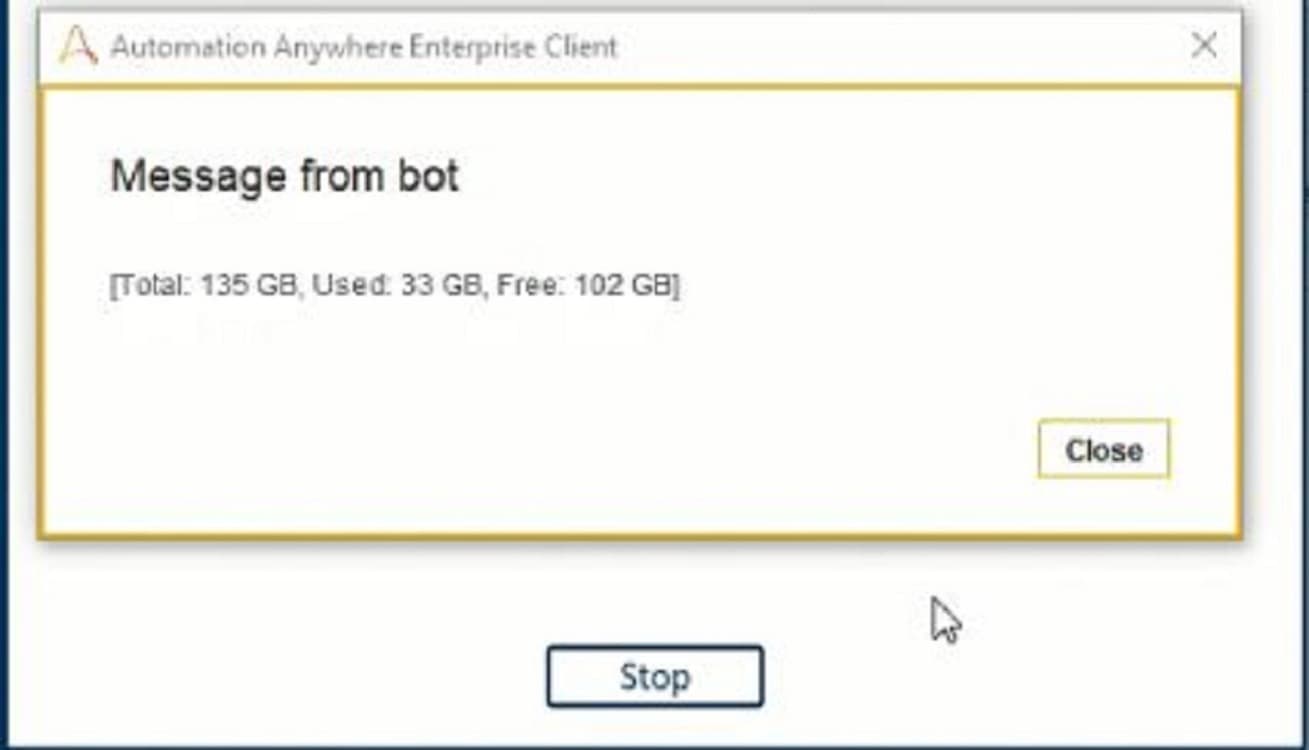
Bot returns disk space information as ex. [total: 135 GB, used: 33 GB, free: 102 GB]
Bot returns used/free space for both local drive and shared drive
Bot is designed as plug & play
Tasks
Read the input disk name
Calculate the used/free space for the given disk
Return the completed disk size information, ex [total: 135 GB, used: 33 GB, free: 102 GB]
This bot helps to retrieve the used/free space on a given disc or drive.
Action:
1. Read disk/drive location/name
2. Calculate the size of the given Disk
Outputs:
1. Return the output in the given format Ex. [Total: 135 GB, Used: 33 GB, Free: 102 GB]
Use cases:
1. You will be informing the IT team on the disk space available for any physical/logical drive based on the threshold limit.
Bot uploads a log or output file to a given folder/drive, due to lack of disk space the bot fails as it fails to upload the output into the target directory.
See the Bot in Action
Setup process
Install
Download the Bot and follow the instructions to install it in your AAE Control Room.
Configure
Use the Bot in a bot, configure keys and other credentials the Bot will need (see the ReadMe for details.)