
Google Contact Creation
The bot can be used for adding new contacts to Google Contacts from a CSV file
Top Benefits
- Can generate multiple numbers of new contacts
- Transfer to multiple Google accounts
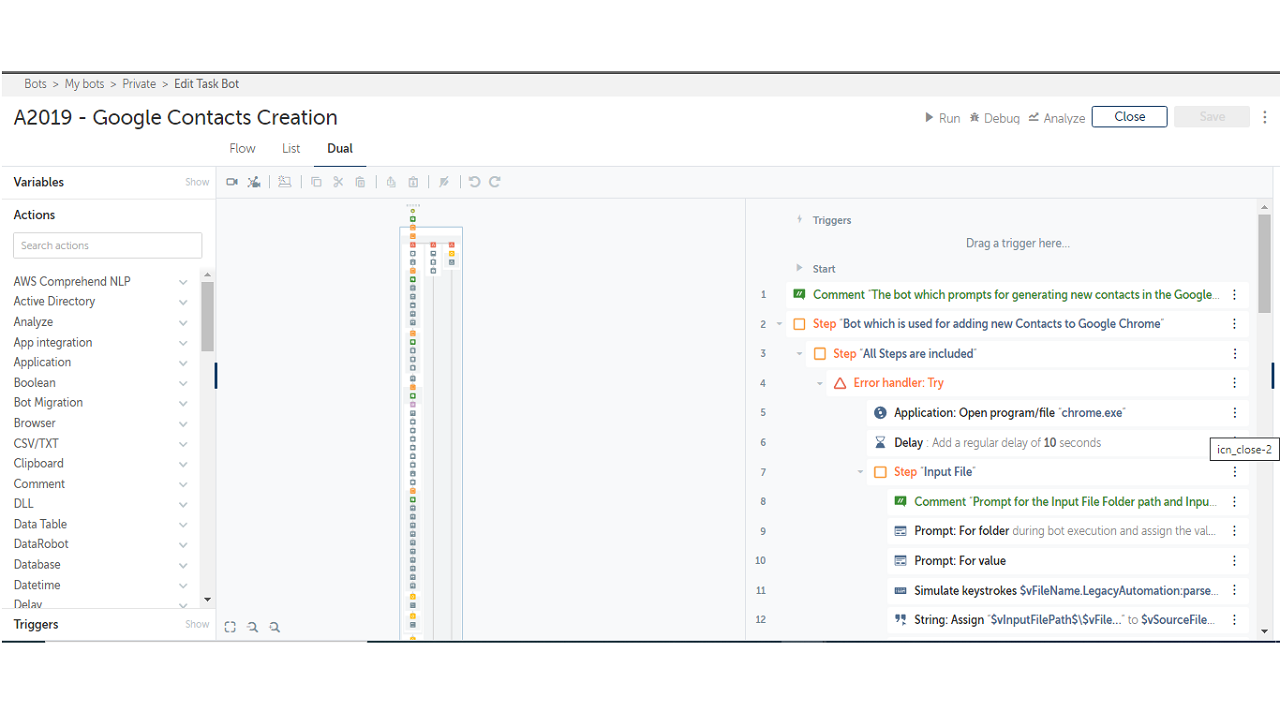
Tasks
- Adding contact including name and contact number to any Google contacts
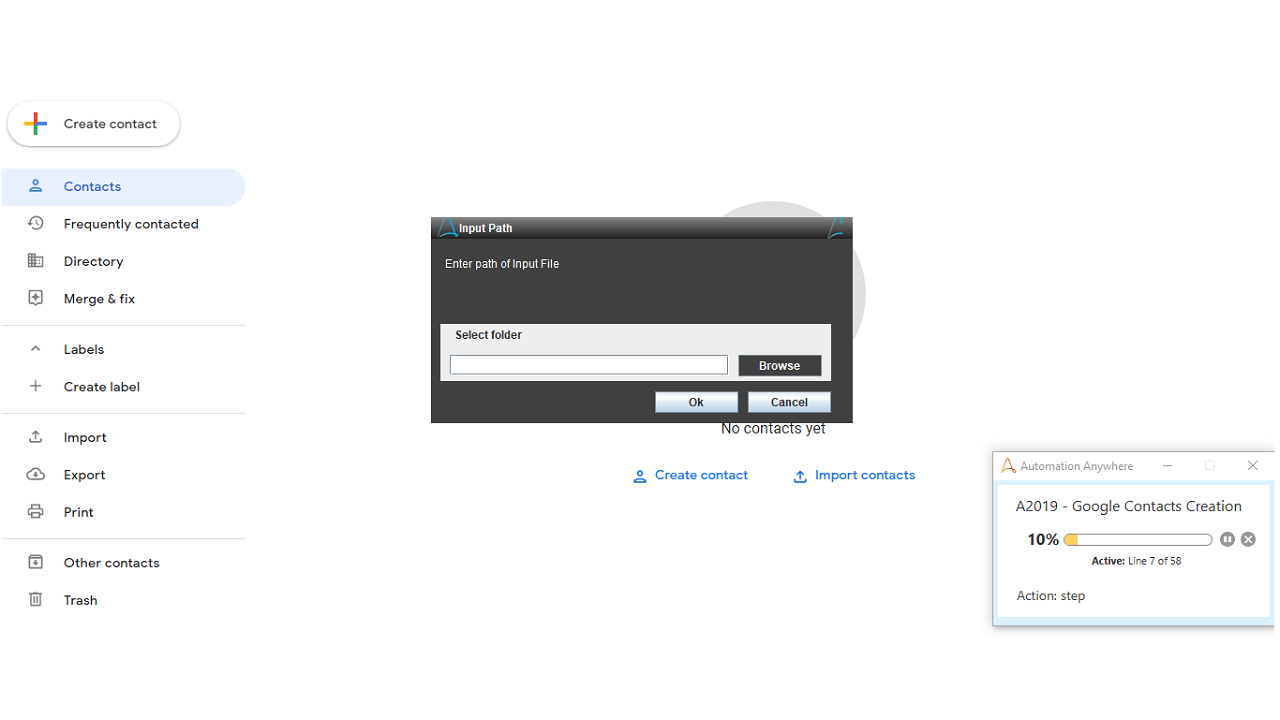
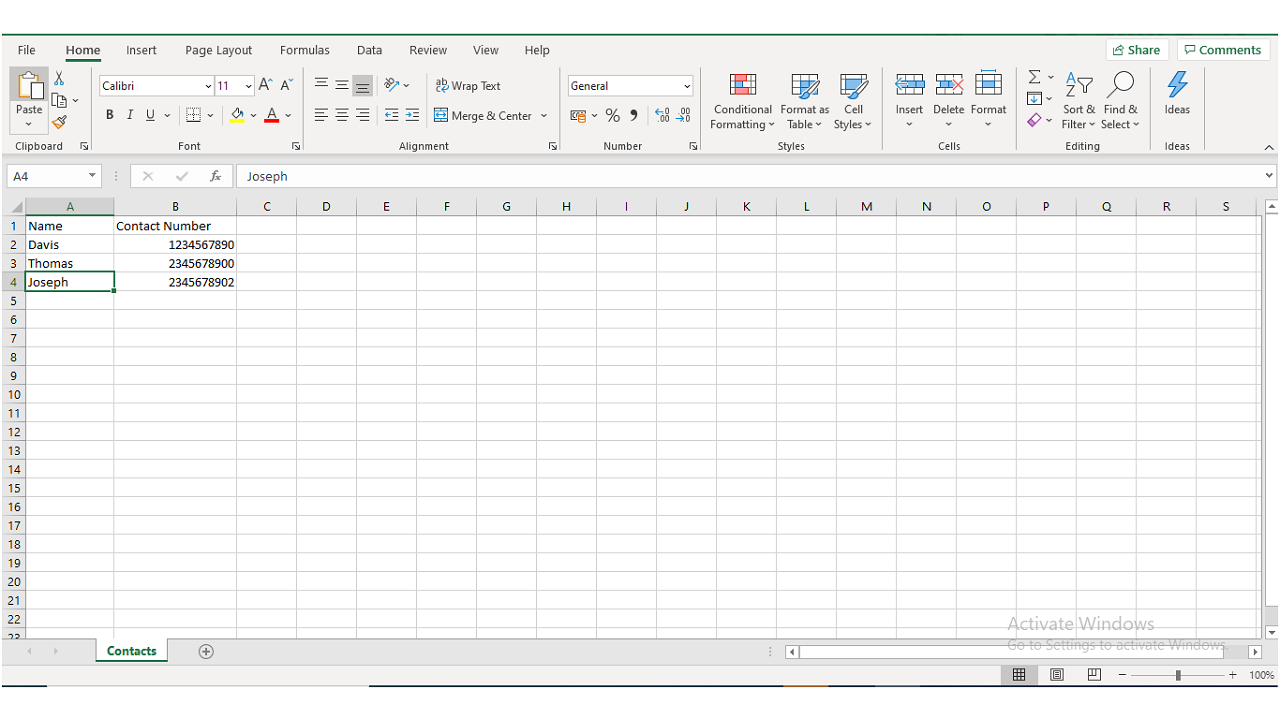
- Read the input CSV file
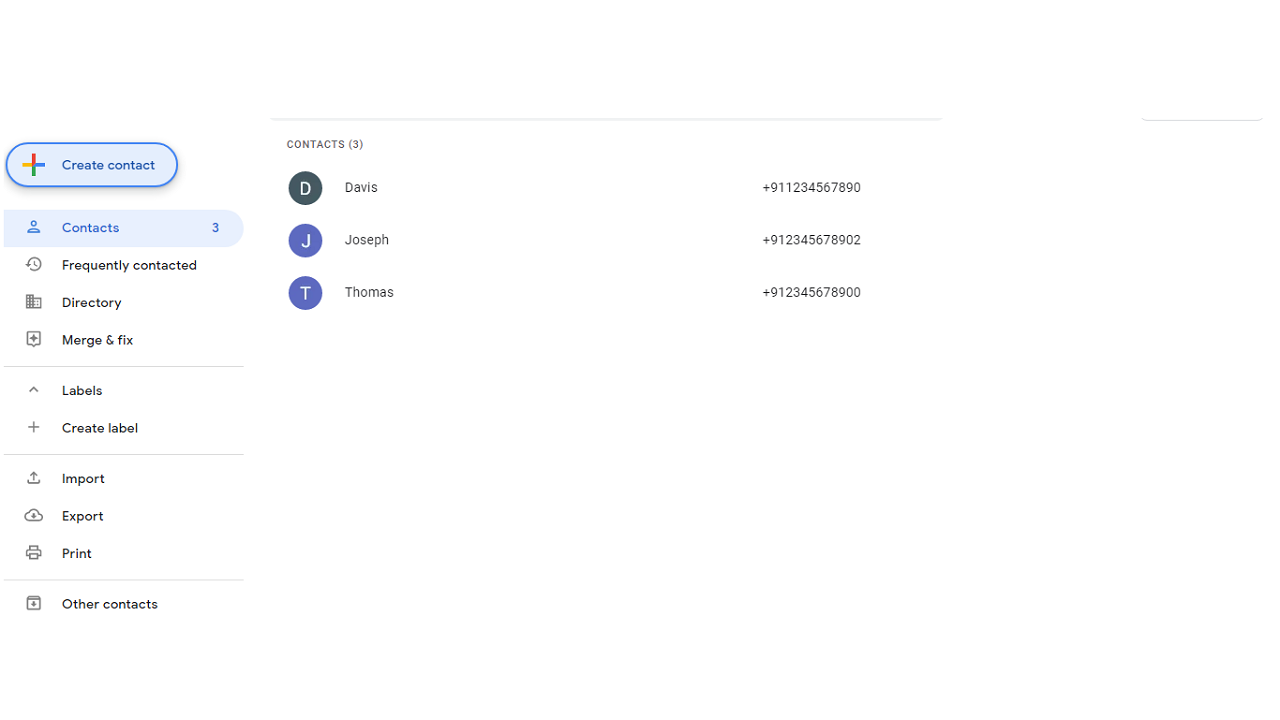
- Automatically save name and contact number from the device using input file without login into Google
- Can choose number of contacts to sync in Google account
The bot is used for adding new contacts to Google contacts without requiring a login. An input CSV file includes the name and contact number is used for creating contacts. The bot will read the CSV file and automatically save the name and contact number from the device.

Success
The download of Google Contact Creation will begin shortly.
In your Control Room, use the ‘Import’ button to load the downloaded file into your Automations.
Free
- Applications
-

- Business Process
- Customer Service & Support
- Category
- Utility
- Downloads
- 25
- Vendor
-

- Automation Type
- Bot
- Last Updated
- May 20, 2021
- First Published
- March 24, 2021
- Platform
- Automation 360
- ReadMe
- ReadMe
- Support
-
- Community Support Only
- Pathfinder Community Developer Forum
- Agentic App Store FAQs
- Bot Security Program
-
 Level 1
Bot Security
Level 1
- All automations on Agentic App Store have passed a malware scan.
Bot Security Program
Automation Anywhere Bot Security is the APA industry's first of its kind bot security framework. In partnership with cyber security experts, Bot Security encompasses four (4) progressive levels of security designation. All automations including those built in-house or procured from Agentic App Store, can now be deployed reliably with secure automation development practices in alignment with prevailing Confidentiality, Integrity, and Availability (CIA) cybersecurity principles and best practices. View full Bot Security details.
See the Bot in Action
Setup Process
Install
Download the Bot and follow the instructions to install it in your AAE Control Room.
Configure
Open the Bot to configure your username and other settings the Bot will need (see the Installation Guide or ReadMe for details.)
Run
That's it - now the Bot is ready to get going!
Requirements and Inputs
- Automation 360
- Input CSV file including the name and contact number
Customer Reviews
