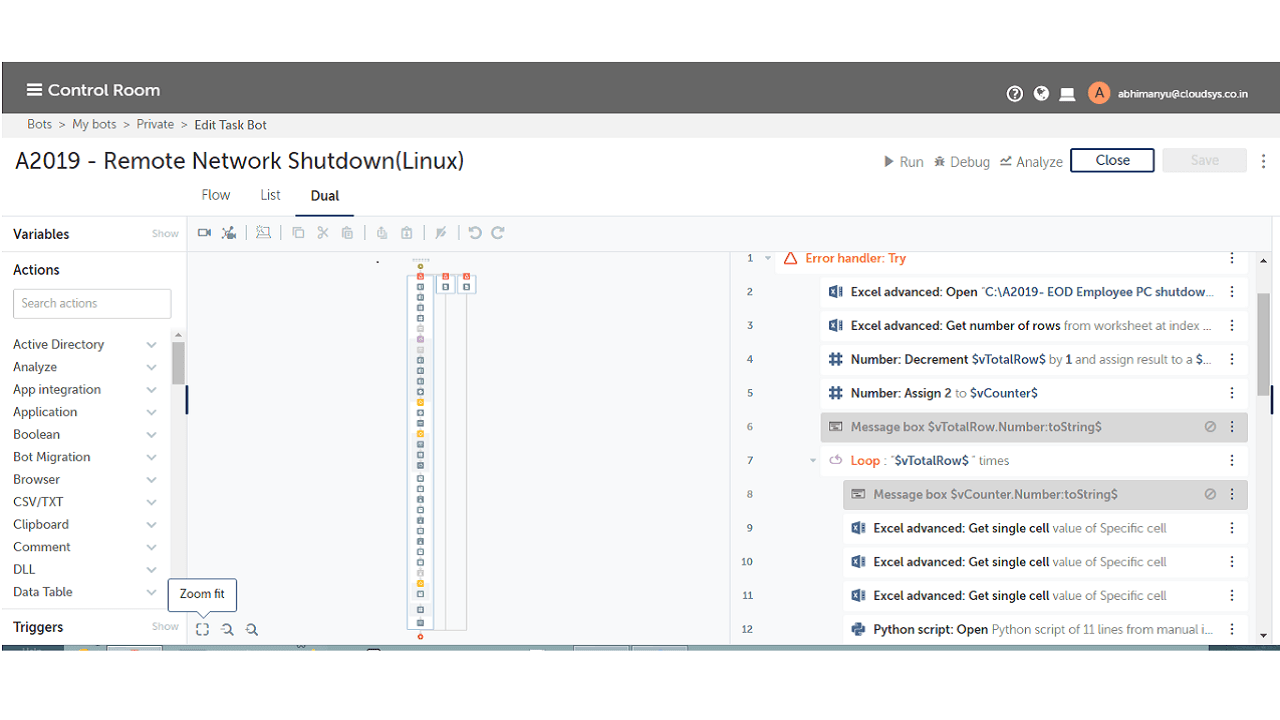
Remote Network Shutdown (Linux)

This bot will help to shut down a group of employees on Linux machines at end of the day. This bot will help organizations save energy without manual intervention

Top Benefits

  • This bot will help system administrators to shut down the machines at end of the day to save energy
  • The bot will automatically shuts down the machines which are LAN or WAN
  • Admin needs to add the IP/hostname which is to be added in the Excel sheet
Product video fallback

Tasks

  • The bot can help the organization save energy without manual power off
  • User can decide the PC’s host name in excel sheet before running
  • This bot will reduce the time of manual shutdown of PC’s
  • If Port 23 is not open will show warning message and skip to next machine
  • If remote machine telnet not installed, control will skip to next machine
This bot will help to shut down a group of employees on Linux machines at end of the day. It will help the organization to save energy without manual intervention. It automatically shuts down the machines which are LAN or WAN. The Admin needs to add the IP/Hostname which is added to be in the Excel sheet. Machines which shutdown should be accessible and telnet service must be activated with port 23 open from bot control room machines

Setup process

Install

Download the Bot and follow the instructions to install it in your AAE Control Room.

Configure

Use the Bot in a bot, configure keys and other credentials the Bot will need (see the ReadMe for details.)

Run

That's it - now the Bot is ready to get going!

Requirements and Inputs

  • Input Excel Sheet with required data
  • Automation Anywhere
  • Python

Customer Reviews

0.0(0 reviews)

No reviews yet.