
Table Analytics Package
Provide a package to perform analytics on tables for purposes of identifying discrepancies and speeding reconciliation activities
Top Benefits
- Speed reconciliation
- Improve data quality
- Reduce steps required in bot development
- Adds computed columns to tables
- Allows dynamic creation of records
Actions
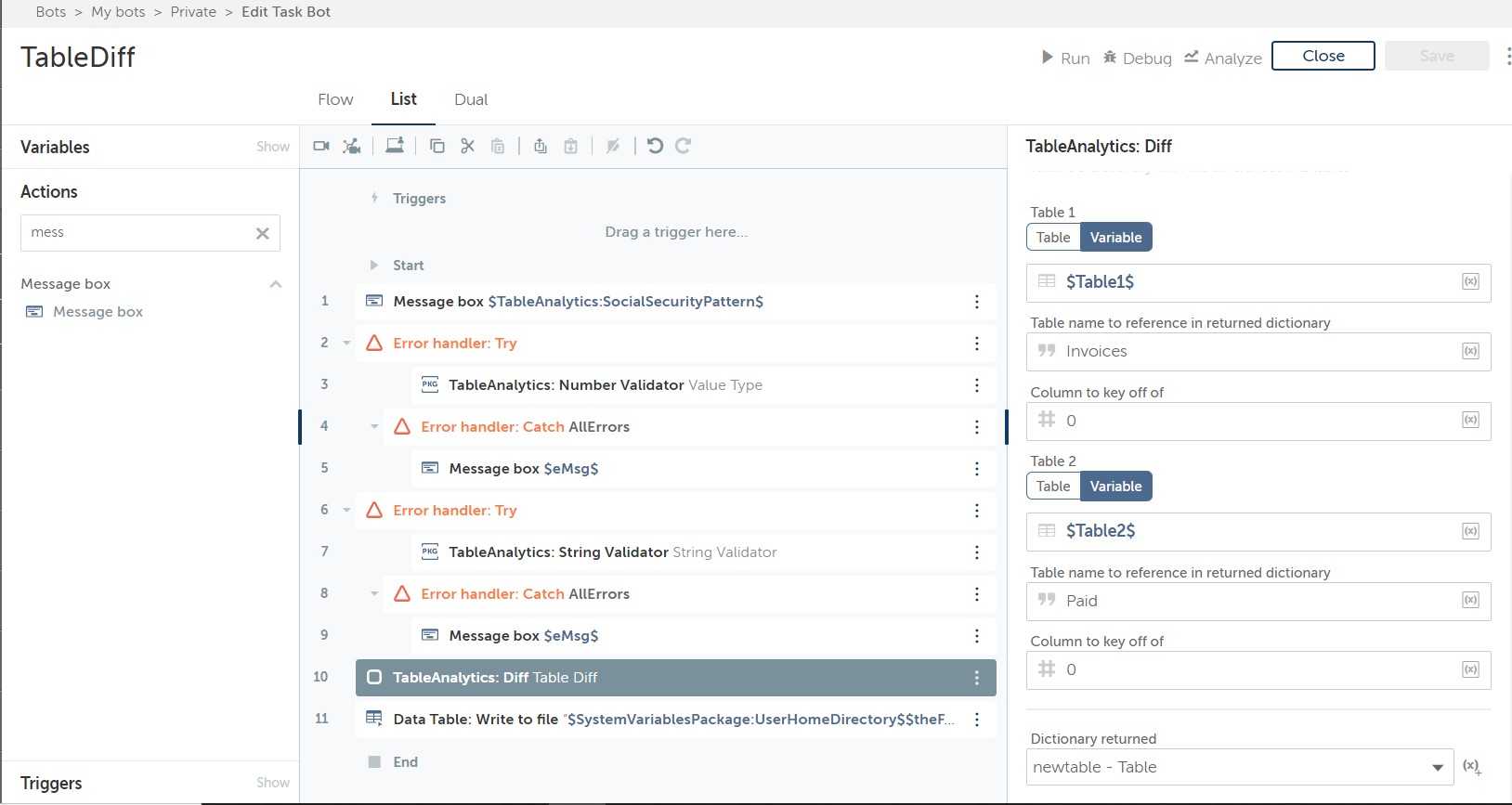
- Provides differences across 2 tables
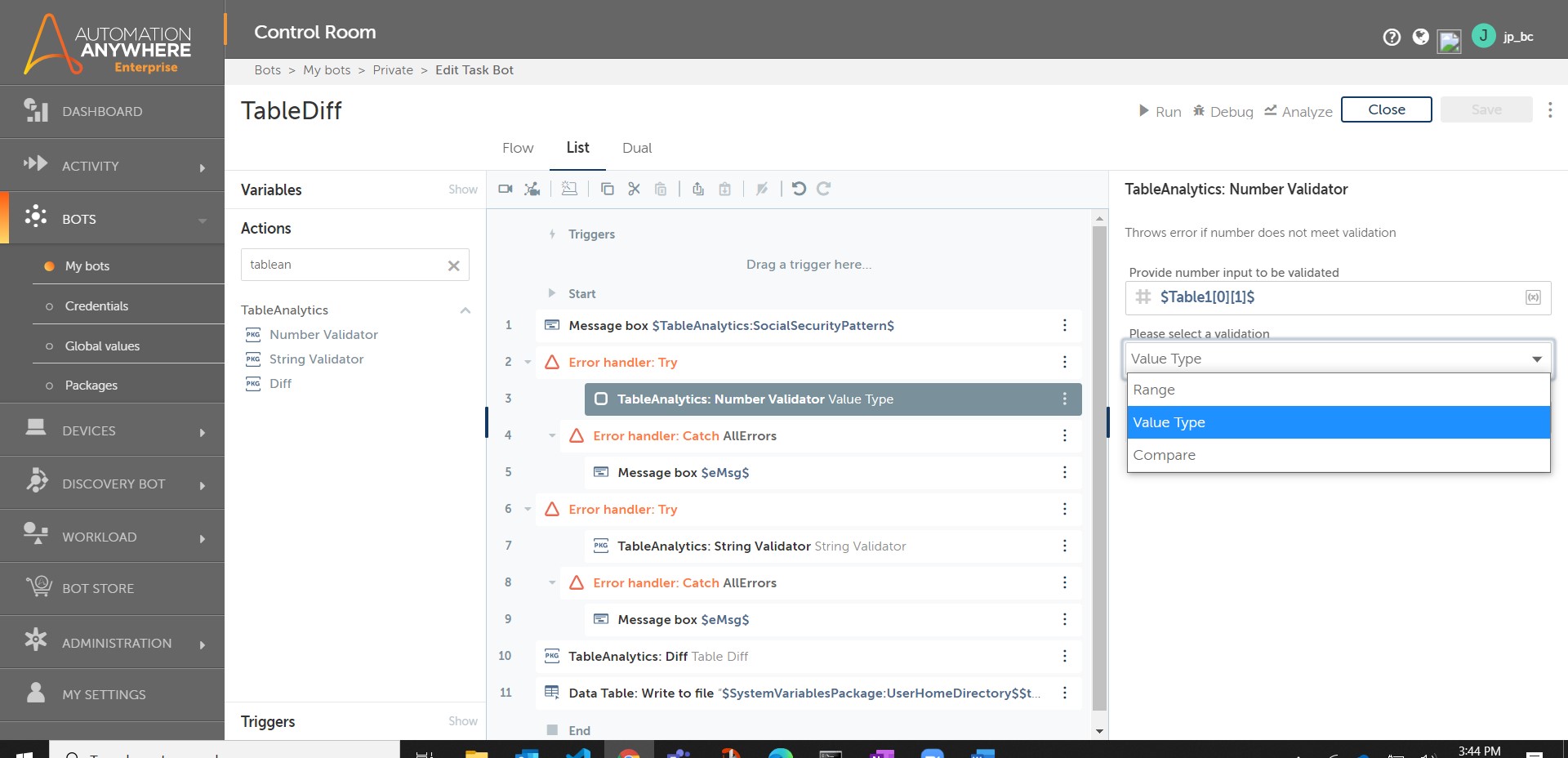
- Provides validation of numerical data
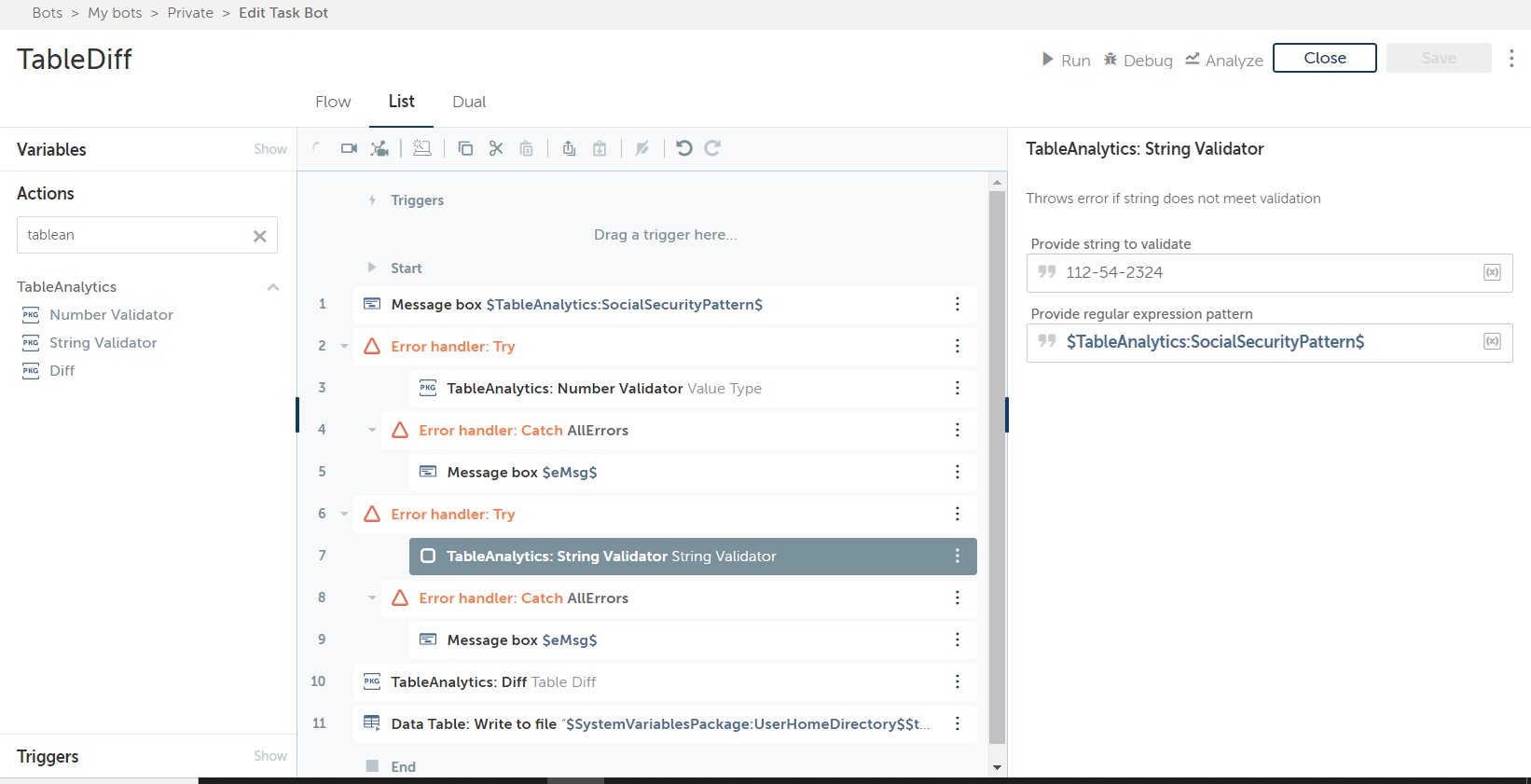
- Provides validation of string data based on regular expressions
- Allows you to add a computed column to a table based on existing columns
- Allows dynamic creation of record objects for insertion into Data Tables
Foundation for analyzing 2 tables and performing complex ops beyond JOIN
Diff - compares two tables with keys provided for each and finds differences. Returns a table with column and value for non-matching data elements
NumberValidator - validates numbers 3 ways - Range, Type (Positive, Negative, Whole, Decimal) or Comparison (, =, !=)
StringValidator - sees if the string matches the RegEx pattern
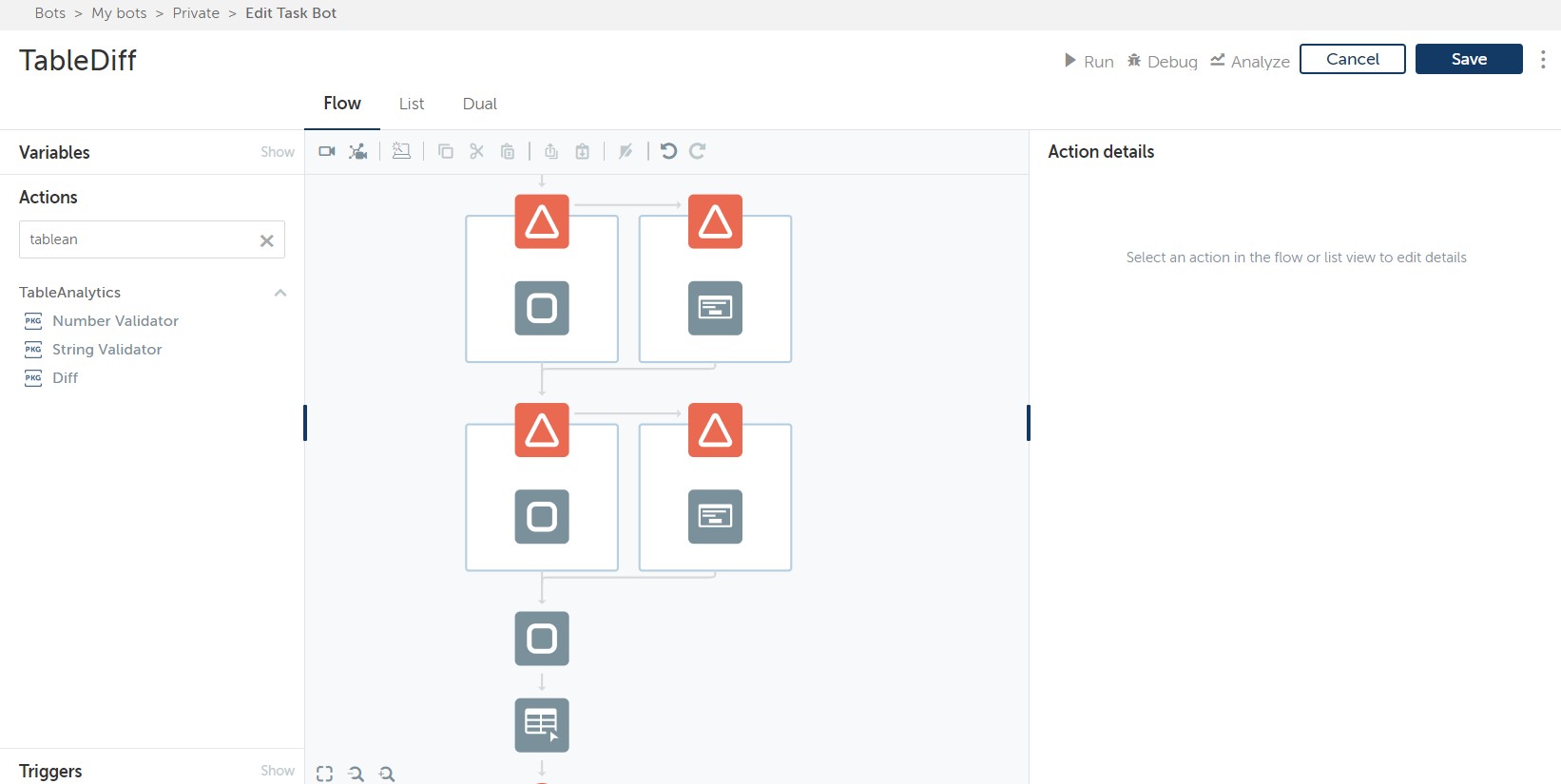
Validators use the exception handling pattern, so they must be wrapped in a try/catch block or the bot will terminate.
Add a computed column based on existing columns by their index. For example [1]*20 says to take the value of the cell in the 2nd column and multiply it by 20. If [1] is not numeric or the formula cannot be read as a mathematical statement the resulting field will say "Improperly Formed Formula"
For support: @jpmorgenthal on Twitter

Success
The download of Table Analytics Package will begin shortly.
In your Control Room, use the ‘Import’ button to load the downloaded file into your Automations.
Free
- Applications
-

- Business Process
- Finance & AccountingHuman ResourcesShipping & Distribution
- Category
- ProductivityRPA Developer ToolsUtility
- Downloads
- 186
- Vendor
-

- Automation Type
- Package
- Last Updated
- May 20, 2021
- First Published
- December 3, 2020
- Platform
- Automation 360
- ReadMe
- ReadMe
- End User License Agreement
- EULA
- Support
-
- Community Support Only
- Pathfinder Community Developer Forum
- Agentic App Store FAQs
- Bot Security Program
-
 Level 1
Bot Security
Level 1
- All automations on Agentic App Store have passed a malware scan.
Bot Security Program
Automation Anywhere Bot Security is the APA industry's first of its kind bot security framework. In partnership with cyber security experts, Bot Security encompasses four (4) progressive levels of security designation. All automations including those built in-house or procured from Agentic App Store, can now be deployed reliably with secure automation development practices in alignment with prevailing Confidentiality, Integrity, and Availability (CIA) cybersecurity principles and best practices. View full Bot Security details.
See the Package in Action
Setup Process
Install
Download the Package and follow the instructions to install it in your AAE Control Room.
Configure
Use the Package in a bot, configure keys and other credentials the package will need (see the ReadMe for details.)
Run
That's it - now the Package is ready to get going!
Requirements and Inputs
- Works on tables, numbers, and string
- Automation 360 Data Tables require that records being inserted have matching column headers and matching number of columns
Customer Reviews
