
PO Creation Agent
This automation streamlines the purchase order process by automatically validating purchase requests, calculating totals, and creating purchase orders without m
Top Benefits
- Almost Zero-Touch Procurement Lifecycle with Seamless Human-in-the-Loop Integration
- Fast, efficient and 100% accurate PO creation whenever you need it.
- Improves procurement productivity up to 45%
- Faster PO processing and Improved compliance
- Enhanced stakeholder experience
Tasks
- Read and validate the unstructured data from email
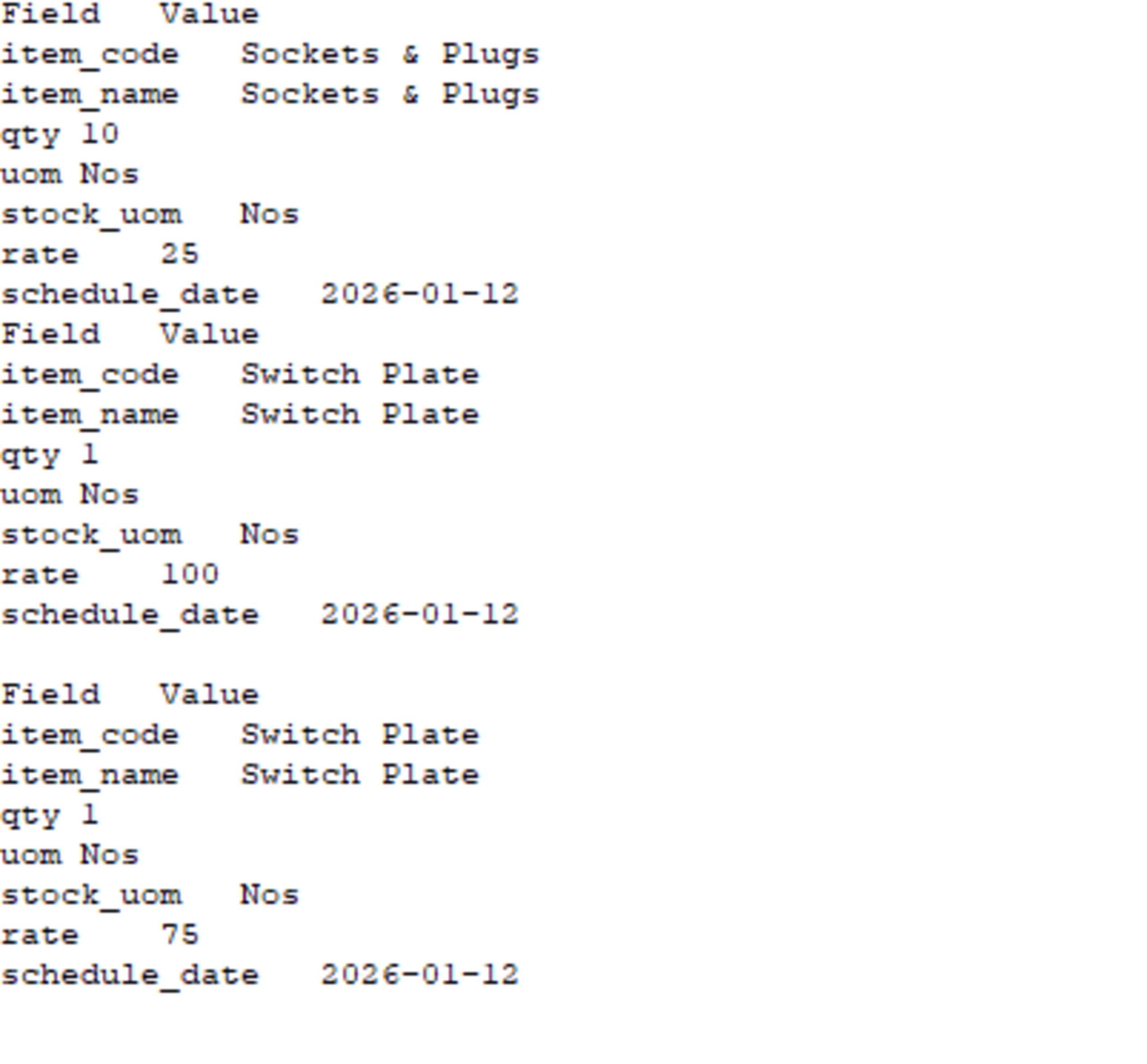
- Parse the data in correct JSON format from the unstructured mail content
- Process the Purchase Order creation in ERP Nect application via API
- Involve human for decision making when the set PO limit is exceed
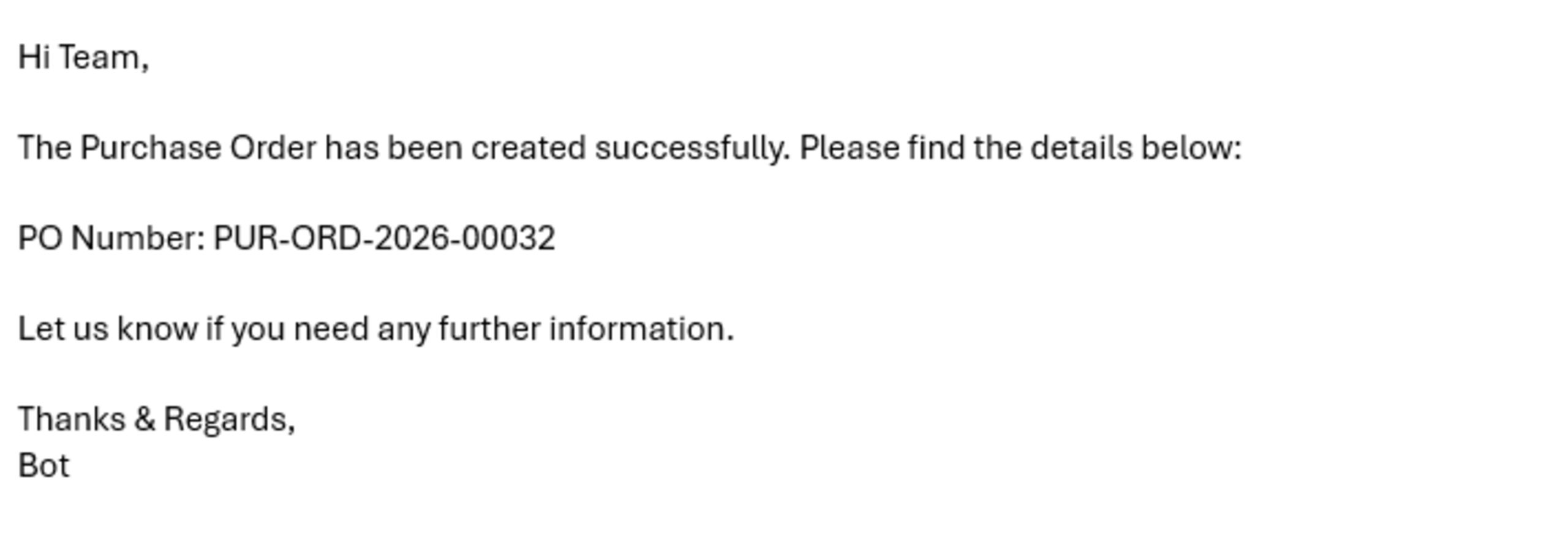
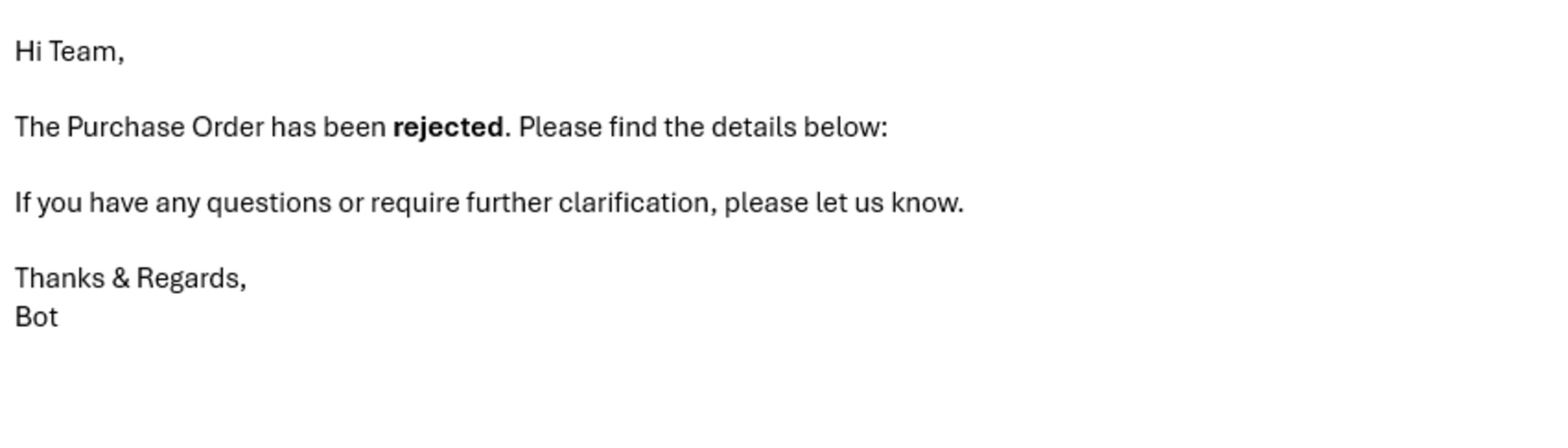
- Send email to the stakeholders mentioning the status of PO creation with the PO details if created
- Read the config file and send the data to the respective tasks
Purchase Order Validation Automation simplifies procurement by automating PO validation, approval workflows, and ERP updates. The automation is triggered when a purchase request is received, using structured input data such as vendor details, quantities, prices, and total amounts from the mail body. It validates requests against configured limits and business rules, automatically routing them for approval only when required.
The automation creates accurate purchase orders, updates enterprise systems, and sends email notifications to all stakeholders. This removes manual checks, reduces calculation errors, and prevents overspending. By eliminating repetitive effort and approval delays, teams save time, lower operational costs, and achieve faster, more reliable procurement with improved compliance and visibility.

Success
The download of PO Creation Agent will begin shortly.
In your Control Room, use the ‘Import’ button to load the downloaded file into your Automations.
Free
- Ratings
-
5.0
 7
7
- Applications
-


- Business Process
- Finance & AccountingShipping & DistributionSupply Chain Management
- Category
- Artificial IntelligenceBanking and Financial ServicesHealthcare
- Downloads
- 55
- Vendor
- Pathfinder Community
- Automation Type
- AI Agent
- Last Updated
- February 13, 2026
- First Published
- January 21, 2026
- Platform
- Automation 360
- ReadMe
- ReadMe
- Support
-
- Community Support Only
- Pathfinder Community Developer Forum
- Agentic App Store FAQs
- Bot Security Program
-
 Level 1
Bot Security
Level 1
- All automations on Agentic App Store have passed a malware scan.
Bot Security Program
Automation Anywhere Bot Security is the APA industry's first of its kind bot security framework. In partnership with cyber security experts, Bot Security encompasses four (4) progressive levels of security designation. All automations including those built in-house or procured from Agentic App Store, can now be deployed reliably with secure automation development practices in alignment with prevailing Confidentiality, Integrity, and Availability (CIA) cybersecurity principles and best practices. View full Bot Security details.
See the AI Agent in Action
Setup Process
Install
Download the AI Agent and follow the instructions to install it in your AAE Control Room.
Configure
Open the Bot to configure your username and other settings the Bot will need (see the Installation Guide or ReadMe for details.)
Run
That's it - now the AI Agent is ready to get going!
Requirements and Inputs
- Input mail containing the unstructured data needed for PO creation
- Edit the configuration file with the relevant details
- ERP Next application is used for PO creation - API End points
- Active outlook account to send and receive emails. Input is read from outlook mail box
- Human/User available whenever needed for approval whenever needed
Customer Reviews
