
Control Room Assistant
This automation helps to do control room actions like creating an user account, check number of work items in wlm queue, check status of devices connected to cr
Top Benefits
- Reduce Control Room admin to perform redundant activites
- Work load management queue can be checked effortlessly
- Bot runner device status can be checked at any time
Tasks
- Control room user account creation is automated at end user level
- Control room admins can easily monitor the wlm queue and add more devices if volume spike up
- Device status can be checked easily
The Control Room Operations Assistant is an AI-driven agent built on the Automation Anywhere platform that enables users to perform common Control Room operational tasks through natural language requests. The agent intelligently classifies user requests, collects required information, and executes the appropriate Task Bots and API services. Requests that do not match supported categories are redirected to the Control Room Administrator.
The agent classifies free-form user input into one of the following categories:
User Account Creation
Add users with Developer or Runner licenses.
Developer license requests are processed automatically.
Runner license requests trigger Human-in-the-Loop (HITL) approval before assignment.
WLM Queue Status Check
Retrieves the number of work items and status from a specified Workload Management (WLM) queue.
Bot Runner Device Status Check
Checks whether a specified Bot Runner device is Connected or Disconnected in Control Room.
If the request does not match any of the above categories, the user is advised to contact the Control Room Administrator.

Success
The download of Control Room Assistant will begin shortly.
In your Control Room, use the ‘Import’ button to load the downloaded file into your Automations.
Free
- Applications
-

- Business Process
- RPA Development
- Category
- RPA Developer Tools
- Downloads
- 38
- Vendor
- Pathfinder Community
- Automation Type
- AI Agent
- Last Updated
- January 21, 2026
- First Published
- January 21, 2026
- Platform
- Automation 360
- ReadMe
- ReadMe
- Support
-
- Pathfinder Community
- Mon, Tue, Wed, Thu, Fri 9:00-17:00 UTC+0
- botstore@automationanywhere.com
- Agentic App Store FAQs
- Bot Security Program
-
 Level 1
Bot Security
Level 1
- All automations on Agentic App Store have passed a malware scan.
Bot Security Program
Automation Anywhere Bot Security is the APA industry's first of its kind bot security framework. In partnership with cyber security experts, Bot Security encompasses four (4) progressive levels of security designation. All automations including those built in-house or procured from Agentic App Store, can now be deployed reliably with secure automation development practices in alignment with prevailing Confidentiality, Integrity, and Availability (CIA) cybersecurity principles and best practices. View full Bot Security details.
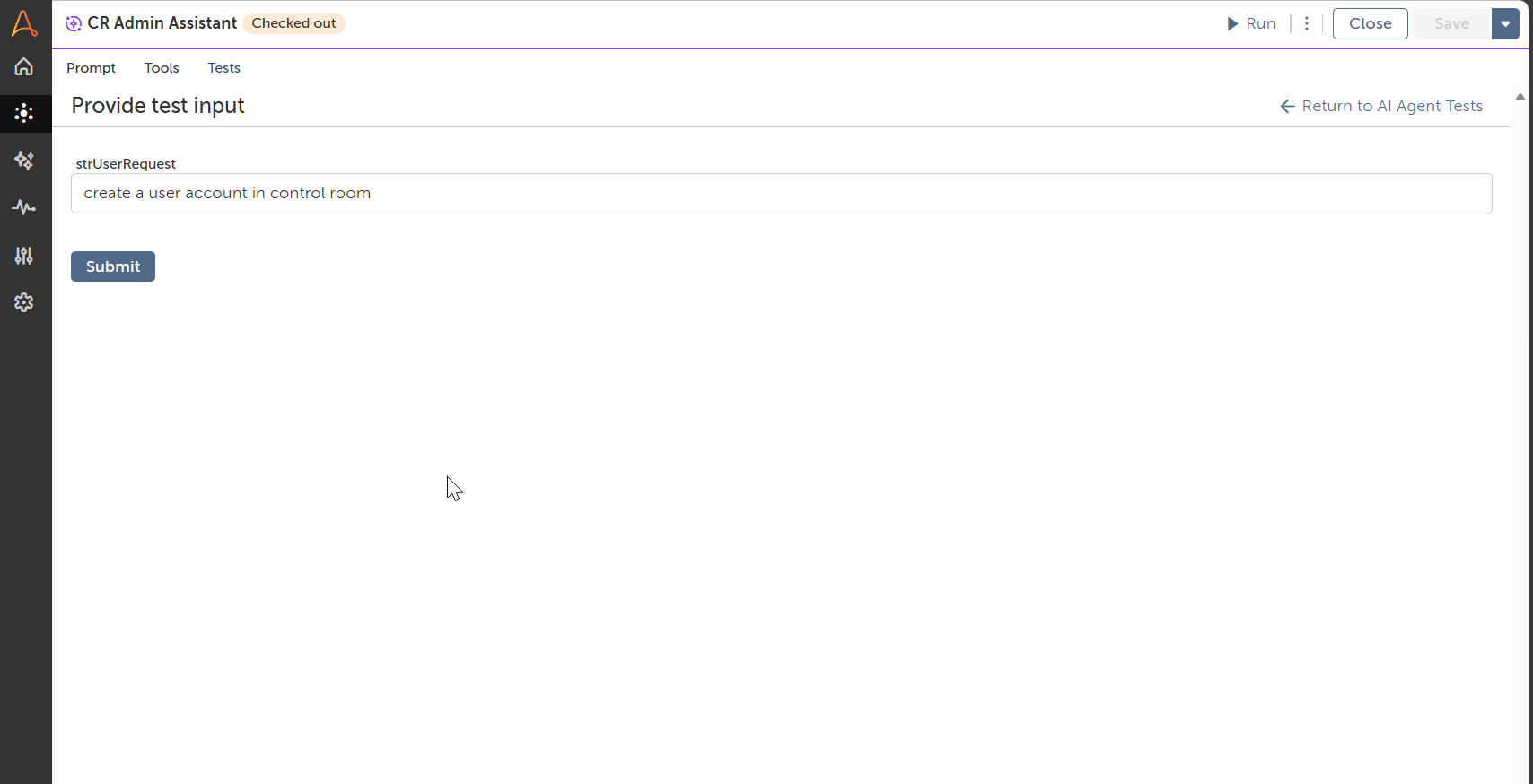
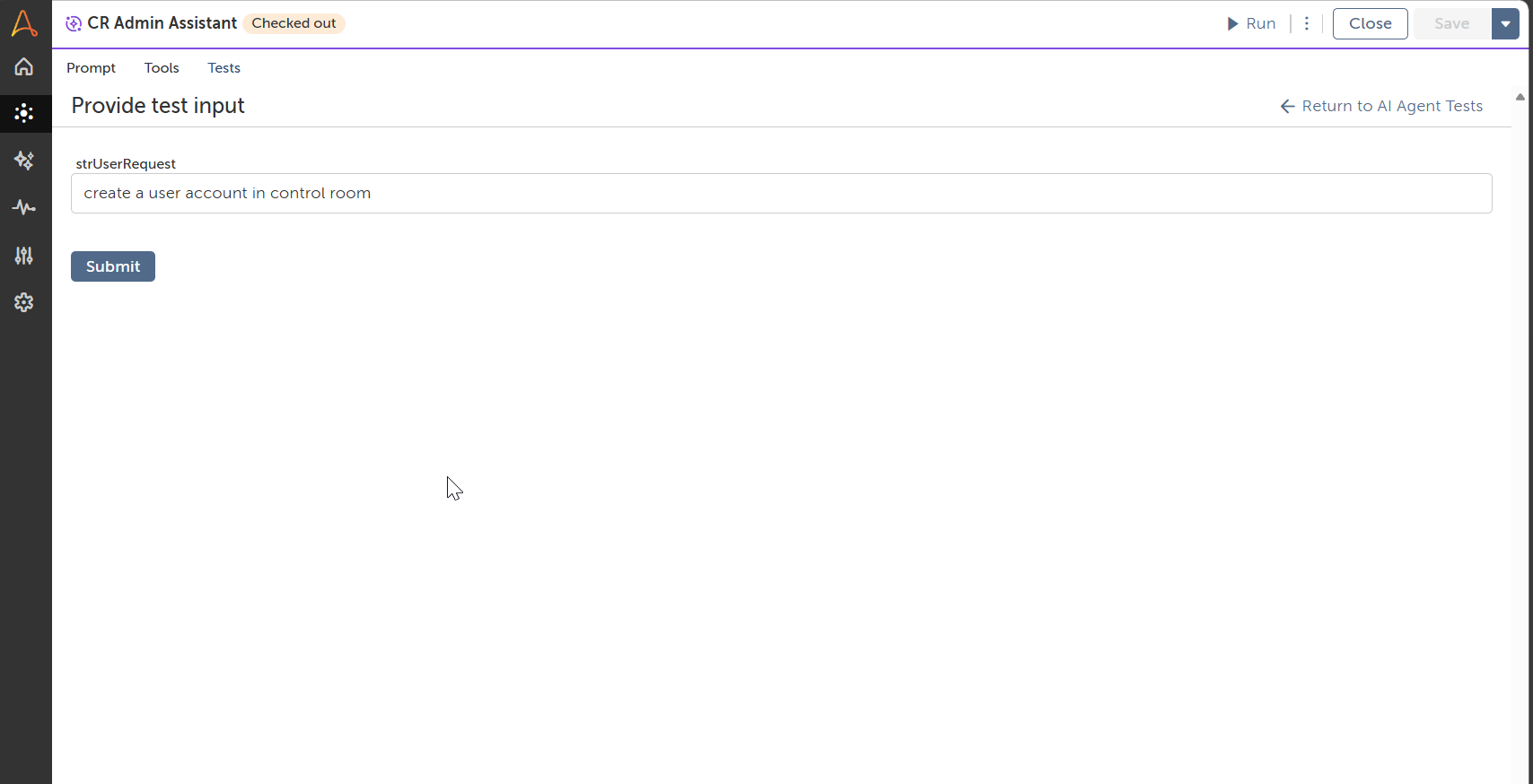
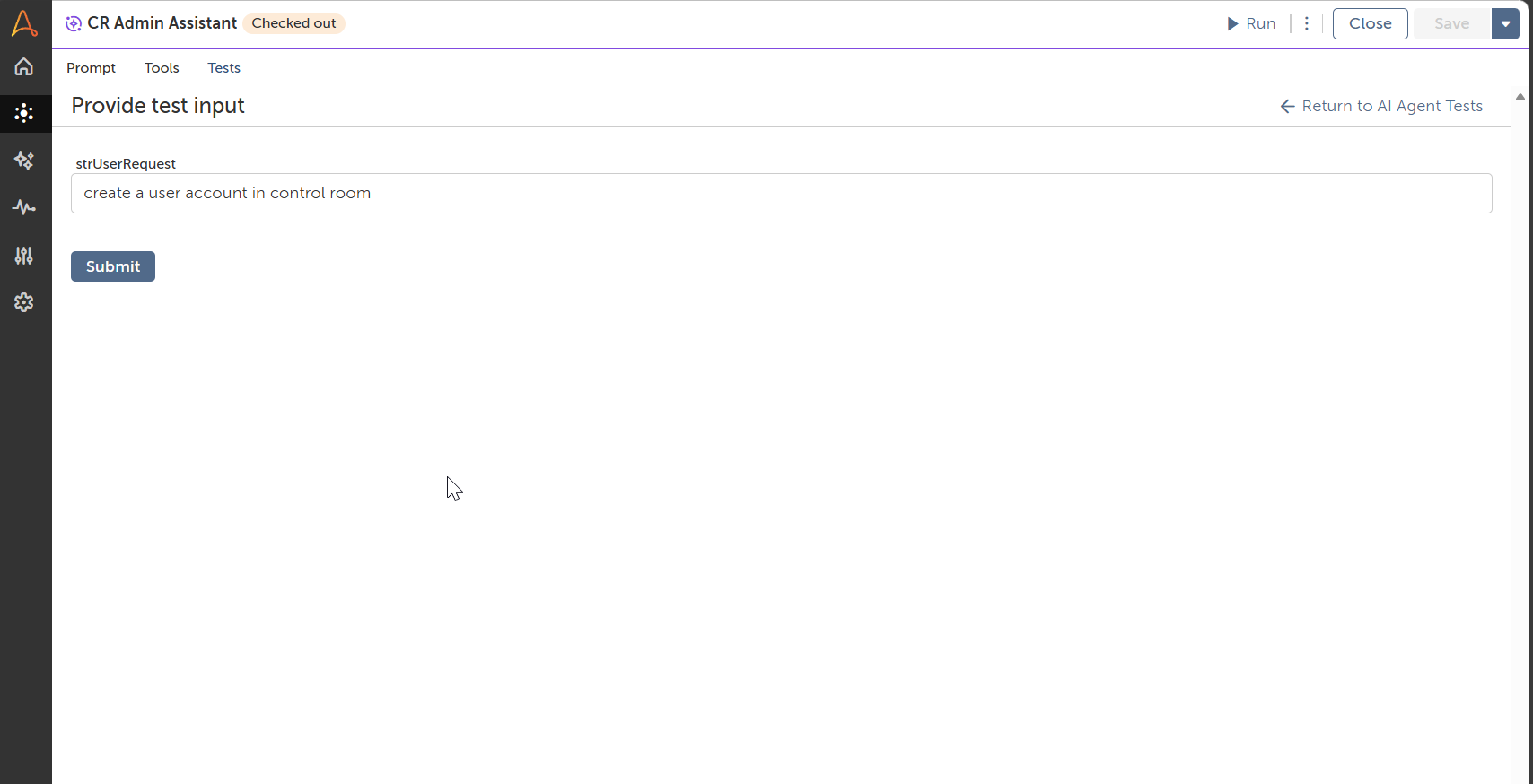
See the AI Agent in Action
Setup Process
Install
Download the AI Agent and follow the instructions to install it in your AAE Control Room.
Configure
Open the Bot to configure your username and other settings the Bot will need (see the Installation Guide or ReadMe for details.)
Run
That's it - now the AI Agent is ready to get going!
Requirements and Inputs
- Config.xml file needs to be updated with key user details and control room details
- API key profile should be created in control room and provided necessary permissions
Customer Reviews
