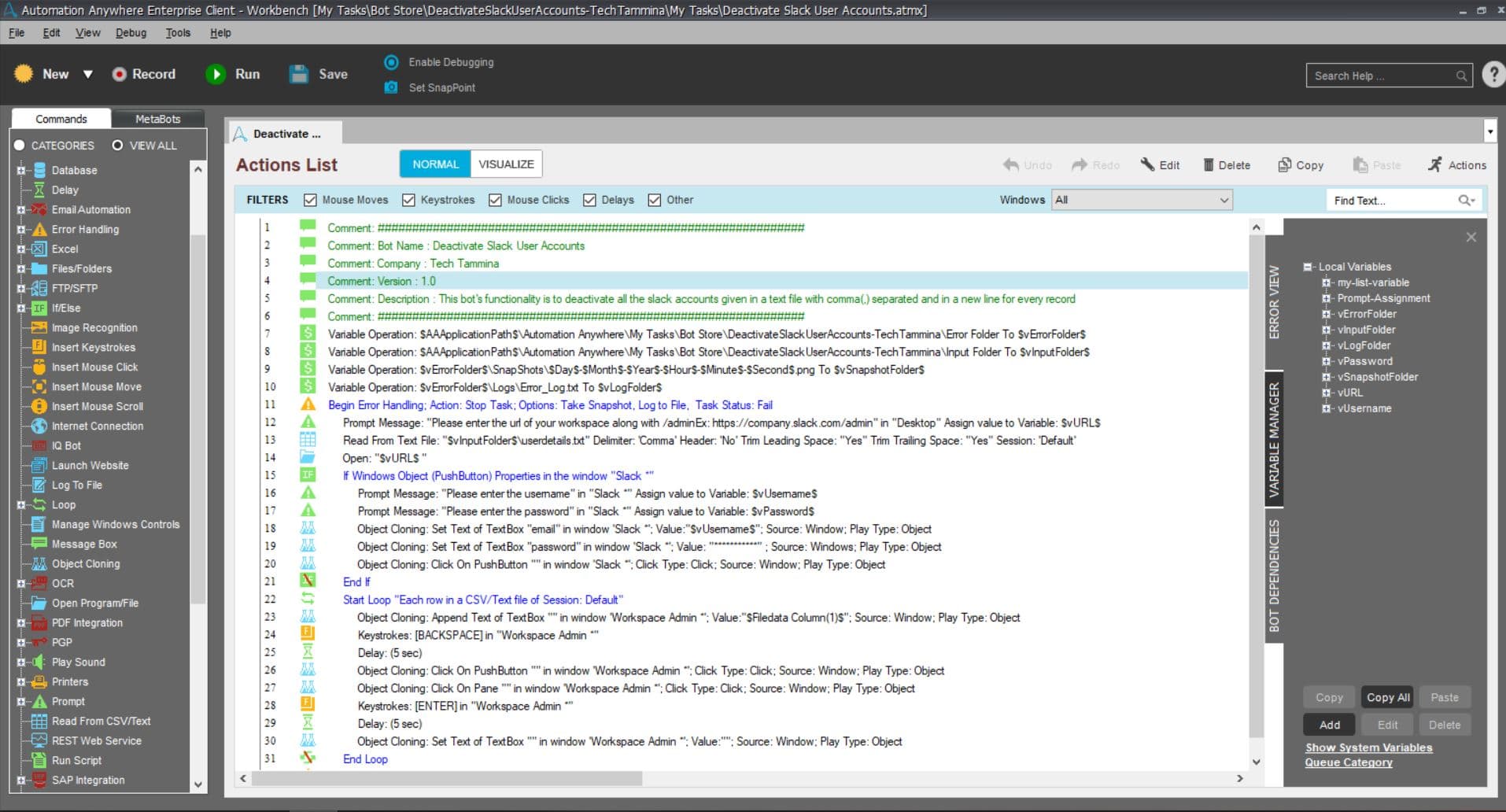
This bot's functionality is to deactivate all the slack accounts given in a text file
Top Benefits
Can deactivate up-to any number of accounts
Web based deactivation
Tasks
Deactivate all the slack accounts given in a text file
Over time, people may come and go from Slack. Some may leave on their own, but as an owner or admin, you have the ability to deactivate members' accounts. This bot's functionality is to deactivate all the slack accounts given in a text file. Your role in Slack will determine your deactivation permissions.
See the Bot in Action
Setup process
Install
Download the Bot and follow the instructions to install it in your AAE Control Room.
Configure
Use the Bot in a bot, configure keys and other credentials the Bot will need (see the ReadMe for details.)
Run
That's it - now the Bot is ready to get going!
Requirements and Inputs
Text file in the input folder which has email ids of all the users whose slack account needs to be deactiavted