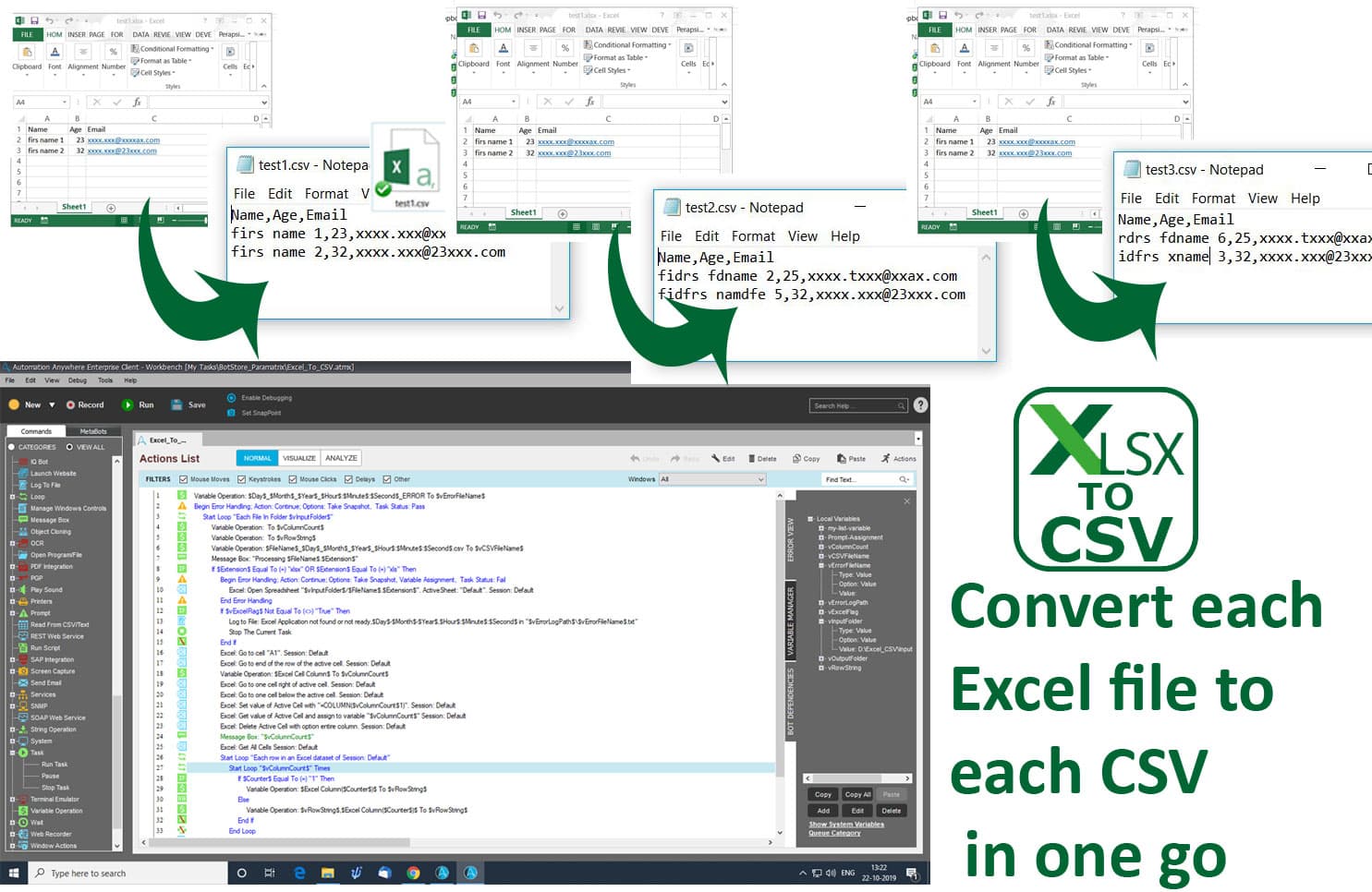
Excels to CSVs

Bot converts each Excel file into a CSV file in one run. Just add all Excel files with any dimensions to “Input Excel Files” and get CSVs in "Output CSV Files"

Top Benefits

  • Converts all Excel files into CSVs in one run
  • Works with all Excel files with any dimensions
  • Supports both formats of Excel (XLS/XLSX)
Product video fallback

Tasks

  • Reads and converts Excel files into CSV automatically which saves time
The bot converts each Excel file into a CSV file in one run. Just add all Excel files with any dimensions to “Input Excel Files” and get CSVs in Output CSV Files. All Excel files with any dimensions will work.  Both formats of Excel will work (XLS and XLSX).

Setup process

Install

Download the Bot and follow the instructions to install it in your AAE Control Room.

Configure

Use the Bot in a bot, configure keys and other credentials the Bot will need (see the ReadMe for details.)

Run

That's it - now the Bot is ready to get going!

Requirements and Inputs

  • Microsoft Excel files
  • Automation Anywhere client 11.3.2

Customer Reviews

0.0(0 reviews)

No reviews yet.