GET POST File Package
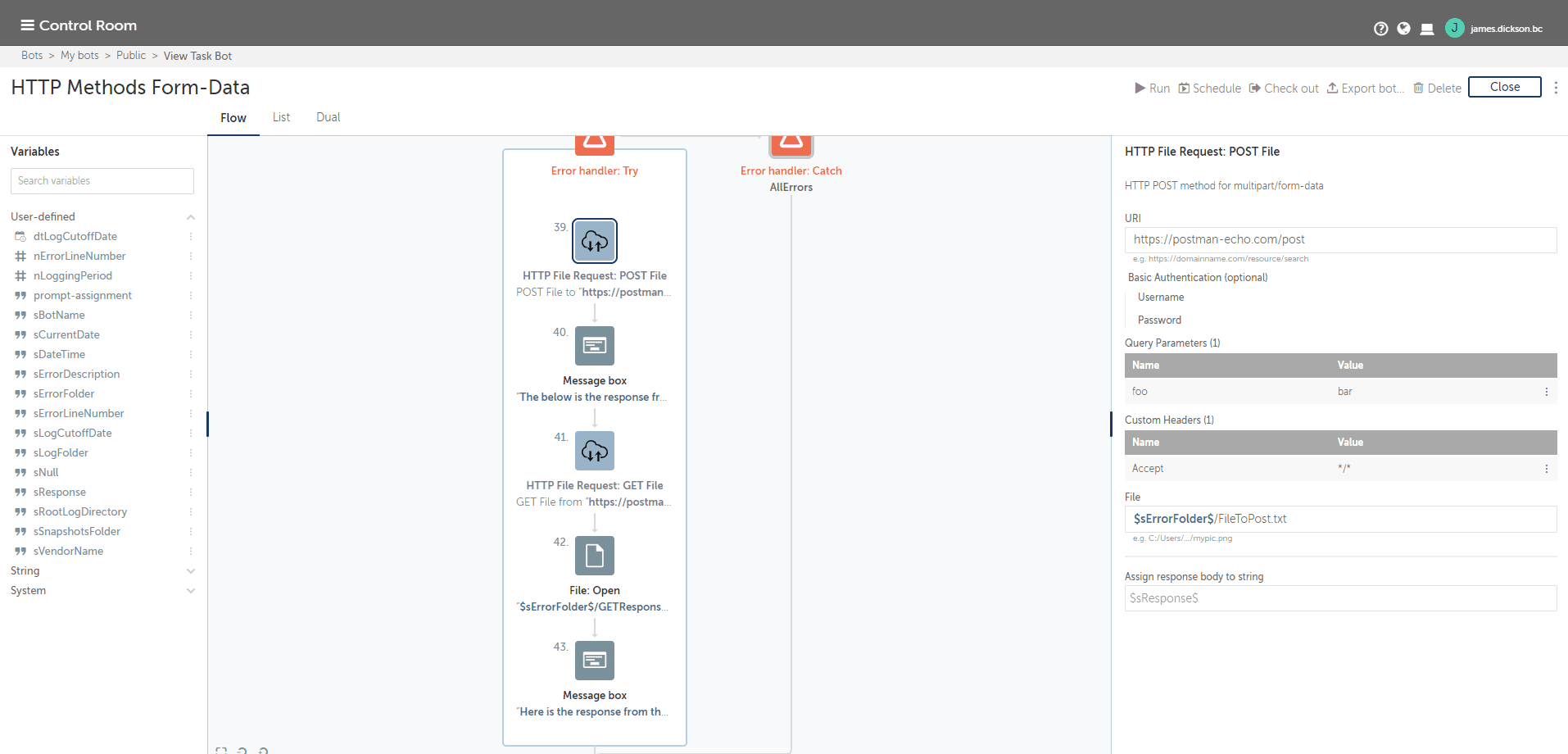
This package supports HTTP POST methods with a multipart/form-data for uploading files, and HTTP GET methods to automatically save the response to a file
Top Benefits
- Reduce development time
- Upload files to web servers
- Retrieve file content and automatically save to local directory
Actions
- POST with multipart/form-data
- GET and save response to target file location
Use this package to implement an HTTP POST request with multipart/form-data to upload a file as part of the request. This can be used for RESTful web services as part of your API call, with support for uploading a file to the webserver. The package also includes a GET method, with a built-in feature to save the response body to a preset target file location. This is useful when a RESTful web service returns to file or image information as to its response. This action will save the file directly to the specified target location.
Free
- Applications
-
- Business Process
- RPA Development
- Category
- RPA Developer ToolsUtility
- Downloads
- 662
- Vendor
- Automation Type
- Package
- Last Updated
- September 20, 2021
- First Published
- November 10, 2020
- Platform
- Automation 360
- ReadMe
- ReadMe
- Support
-
- Community Support Only
- Pathfinder Community Developer Forum
- Bot Store FAQs
- Bot Security Program
-
Level 1
Setup Process
Install
Download the Package and follow the instructions to install it in your AAE Control Room.

Configure
Use the Package in a bot, configure keys and other credentials the package will need (see the ReadMe for details.)
Run
That's it - now the Package is ready to get going!
Requirements and Inputs
- URI for request
- File to upload or save response body
- Request details - custom headers, paramaters