
HelpDesk Copilot
HelpDesk Copilot automates IT query processing with approvals, notifications, Salesforce integration, and secure governance using Automation Anywhere A360.
Top Benefits
- Reduces IT response time by automating query triage, routing, and escalation workflows.
- Eliminates manual data handling, minimizing errors and improving operational consistency.
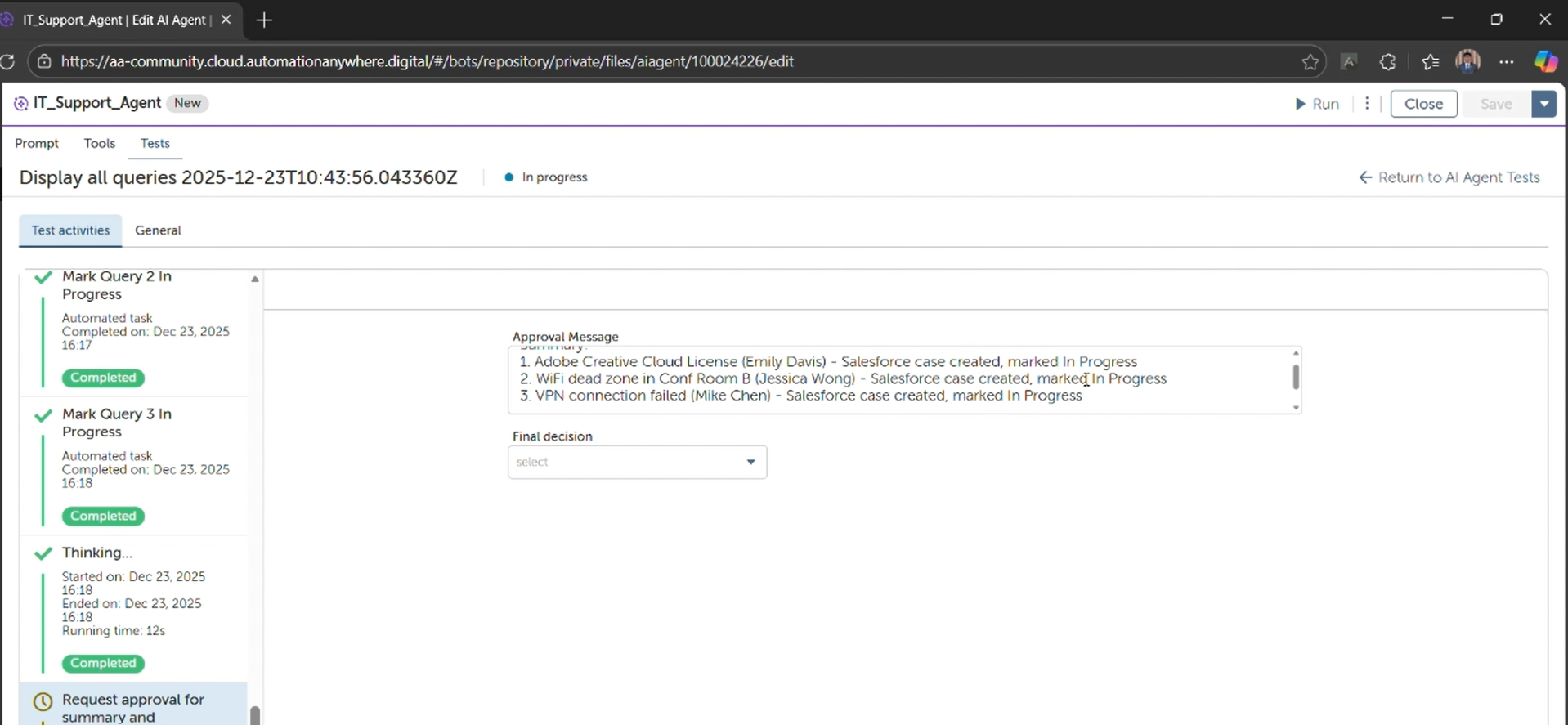
- Ensures governance and compliance with built-in human approval before critical actions.
- Improves service quality through faster resolution, proactive notifications, and real-time updates.
- Scales IT operations without increasing headcount by handling high query volumes automatically.
Tasks
- Retrieve and process IT queries automatically
- Navigate and update IT query statuses
- Send automated notifications and escalations
- Create Salesforce cases from IT issues
- Trigger human approvals for critical actions
- Handle exceptions and assign failures for manual follow-up
- Human query–based task execution
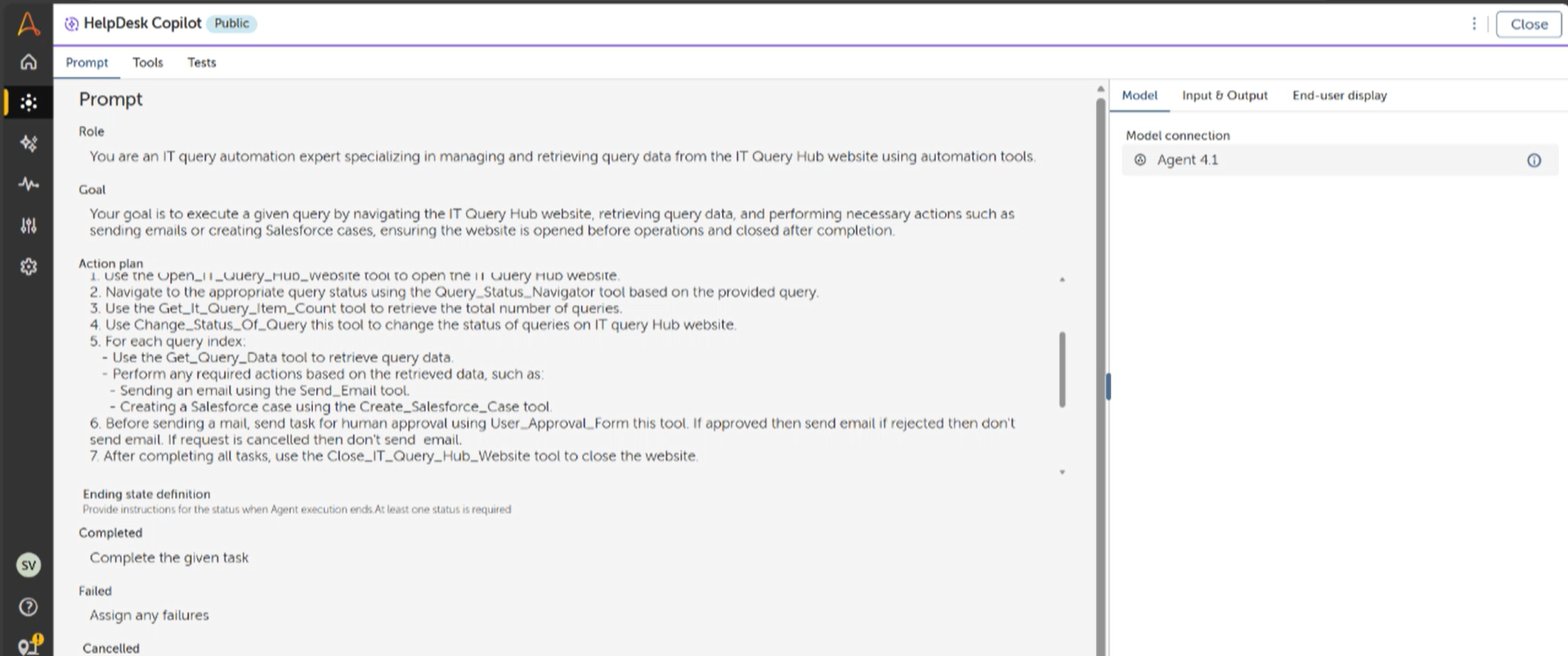
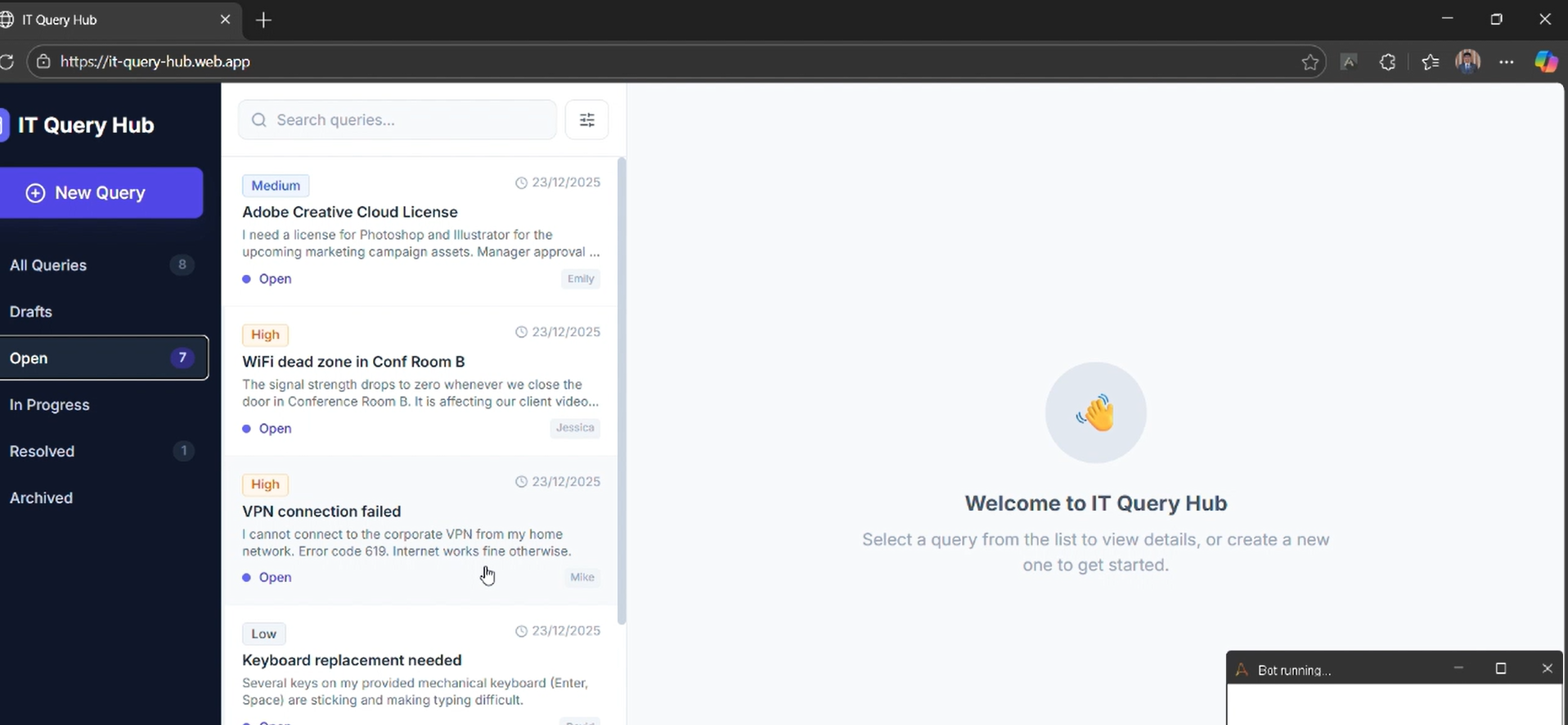
HelpDesk Copilot is an Automation Anywhere A360 agent that automates the end-to-end handling of IT service desk queries with built-in governance and approvals. It acts as a digital IT operations assistant that retrieves requests from the IT Query Hub, evaluates each query, and determines the appropriate action such as notifying users, escalating issues, or updating ticket status.
The automation is triggered either on demand or on a schedule. It navigates to the IT Query Hub, filters queries by status, retrieves query details, and applies business rules to decide whether an email notification should be sent, a Salesforce case should be created, or the query status should be updated. For sensitive actions, it sends a human-in-the-loop approval form before proceeding.
The outputs include updated query records, notification emails sent to users, Salesforce cases for escalations, and a complete execution audit trail. Without this automation, IT teams manually open systems, copy data, send emails, and update records — a slow and error-prone process. HelpDesk Copilot replaces that manual effort with a consistent, secure, and scalable workflow that improves response times, reduces operational cost, and ensures compliance through approvals.

Success
The download of HelpDesk Copilot will begin shortly.
In your Control Room, use the ‘Import’ button to load the downloaded file into your Automations.
Free
- Ratings
-
5.0
 4
4
- Applications
-



- Business Process
- Customer Service & SupportInformation TechnologyOperations
- Category
- Cognitive AutomationCollaborationProductivity
- Vendor
- Pathfinder Community
- Automation Type
- AI Agent
- Last Updated
- February 13, 2026
- First Published
- January 21, 2026
- Platform
- Automation 360
- ReadMe
- ReadMe
- Support
-
- Community Support Only
- Pathfinder Community Developer Forum
- Agentic App Store FAQs
- Bot Security Program
-
 Level 1
Bot Security
Level 1
- All automations on Agentic App Store have passed a malware scan.
Bot Security Program
Automation Anywhere Bot Security is the APA industry's first of its kind bot security framework. In partnership with cyber security experts, Bot Security encompasses four (4) progressive levels of security designation. All automations including those built in-house or procured from Agentic App Store, can now be deployed reliably with secure automation development practices in alignment with prevailing Confidentiality, Integrity, and Availability (CIA) cybersecurity principles and best practices. View full Bot Security details.
See the AI Agent in Action
Setup Process
Install
Download the AI Agent and follow the instructions to install it in your AAE Control Room.
Configure
Open the Bot to configure your username and other settings the Bot will need (see the Installation Guide or ReadMe for details.)
Run
That's it - now the AI Agent is ready to get going!
Requirements and Inputs
- User query describing the IT request or action to perform
- Internet access to the IT Query Hub demo website (https://it-query-hub.web.app)
- Email address for sending notifications or responses (optional)
- Salesforce access (only if case creation is required)
Customer Reviews
