Impact Analysis Using Correlation Model

This bot performs a statistical parametric correlation operation among multiple numerical variables and provides the impact and degree of relationship.

Top Benefits

  • Improve Decision Making: Better decision making for real world applications.
  • Increase Productivity: Save 30% of time in the feature selection process and automation workflow creation.
  • Zero Maintenance: Model is provided as SaaS using the serverless function architecture of Azure.
  • Runs in Cloud: Model runs in Azure and provides output without needing an infrastructure to run.
  • Ease of use: Model is easy to setup, highly scalable, and fault tolerant (Each request is independent of another request).
Product video fallback

Tasks

  • The correlation bot performs parametric 'Pearson correlation'.
  • The bot provides correlation coefficients (r) among variables.
  • The bot helps in understanding the extent of a relationship among numerical variables to make data-driven business decisions.
This bot performs a statistical parametric correlation operation among multiple numerical variables and provides the impact and degree of relationship. Inputs:
  • Path: Path of the CSV file. For example: C:~Housing.csv
  • Column Count: Count of columns available in CSV file being provided with input data.
  • Input Column Names: Name of columns being provided in CSV file. For example 'SNo','Price','Lotsize','Bedrooms'......
  • Input Column Data Type: Data Type of columns being provided in CSV file in the same order as column names. For example: 'Numeric','Numeric','Numeric'......
  • Missing Number Value Replacement: A value that can be used by Model in case CSV file has blank field/s or missing numerical value/s.
  • Ignore Columns: Column name that the model should ignore while calculating correlation. For example: 'SNo','Driveway','Recroom'......
Actions:
  • The bot takes a CSV file as an input, performs a parametric correlation operation on numerical variables and provides output in Excel to exhibit the extent of a relationship (not causality).
Outputs:
  • Output: The result in Excel.
  • Column field1 and field2 has the column names on which correlation has been processed.
  • Column correlation has the extent of relationship for each combination.
Notes: Output correlation coefficients (r) for continuous (interval level) data ranges in a range of -1 to +1. Refer to readme file for more details.

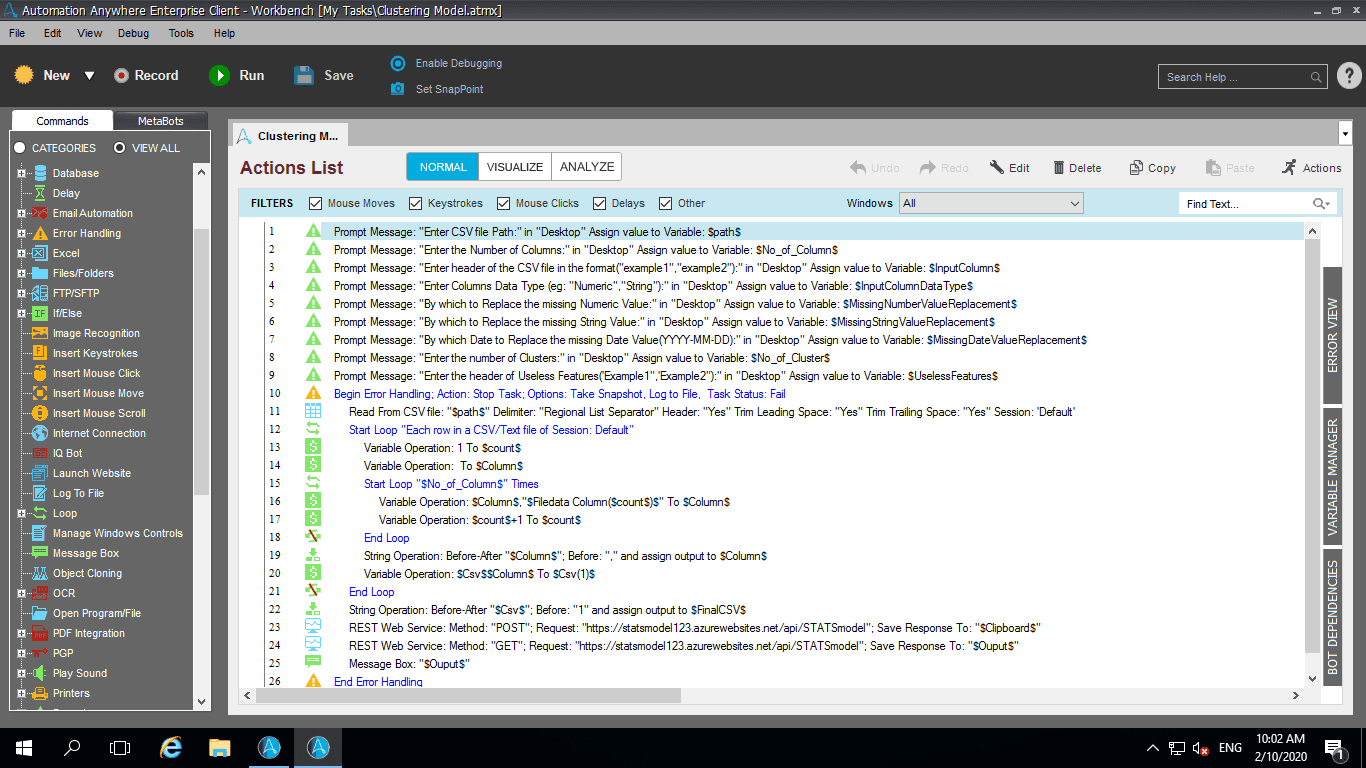
Setup process

Install

Download the Bot and follow the instructions to install it in your AAE Control Room.

Configure

Use the Bot in a bot, configure keys and other credentials the Bot will need (see the ReadMe for details.)

Run

That's it - now the Bot is ready to get going!

Requirements and Inputs

  • Path of the CSV file.

Customer Reviews

0.0(0 reviews)

No reviews yet.