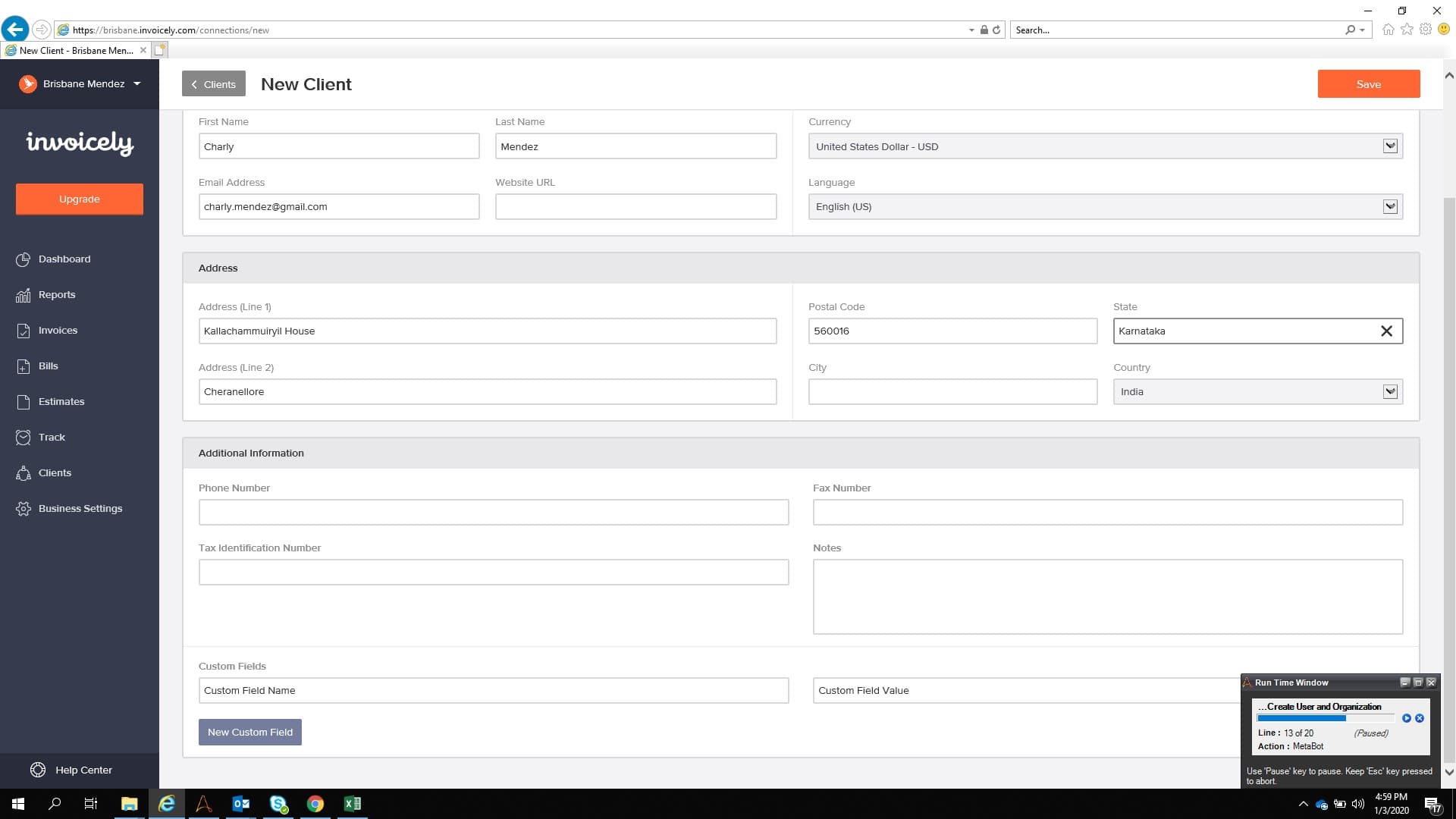
This Bot logs in to invoicely.com and adds 2 different types of clients - Users and Organization from the list mentioned in the Excel sheet.
Top Benefits
Speeds up the Transaction rate
100% accurate data handling
Reduces time involved in data entry job
Logic can be integrated with any web ERP application
Each record is created in less than 10 seconds
Tasks
Read and Validate Excel file
Create new user or organization on the website
Uses Metabot. Even if the GUI changes, corrections are easy to make
Can be integrated with any system that needs to enter values from a CSV or an Excel to a web-based ERP
Checks if the previous session was logged out as well
This bot can be referenced for a common use case when you would need to read Excel spreadsheet values to variables or when you need the values to be entered into some other system like web-ERP etc.
Inputs: Data is being saved in a structured format in Excel with 2 sheets. One for Users and the other for Organizations.
Actions: Logs into the website with the credentials. Checks if the previous session was terminated correctly. If not, rectifies the same and will log in successfully. Reads multiple sheets from the Excel input file and enters the data into the web ERP Invoicely.com in the appropriate pages.
Output: The Bot identifies User and Organization values separately and handles the data input accordingly with zero errors and with higher transaction speed.
Use Cases: Any use case which involves reading data from an Excel and entering data into a web-ERP or a web form filling like ESI, PF etc.
See the Bot in Action
Setup process
Install
Download the Bot and follow the instructions to install it in your AAE Control Room.
Configure
Use the Bot in a bot, configure keys and other credentials the Bot will need (see the ReadMe for details.)
Run
That's it - now the Bot is ready to get going!
Requirements and Inputs
Automation Anywhere V11.x (minimum)
Login credentials for Invoicely.com
Input file: invoicely.xlsx shared along with the bot stored in C:\RPA Practice
Variables in Logic Metabot needs to be updated with the email address and password created to login