Every automation team eventually hits the same wall: you want your automations and processes to understand messy, unstructured text — customer emails, support tickets, invoice line items — but calling a cloud LLM means sending that data outside your organization, paying per-call costs, and depending on an internet connection that might not always be there.
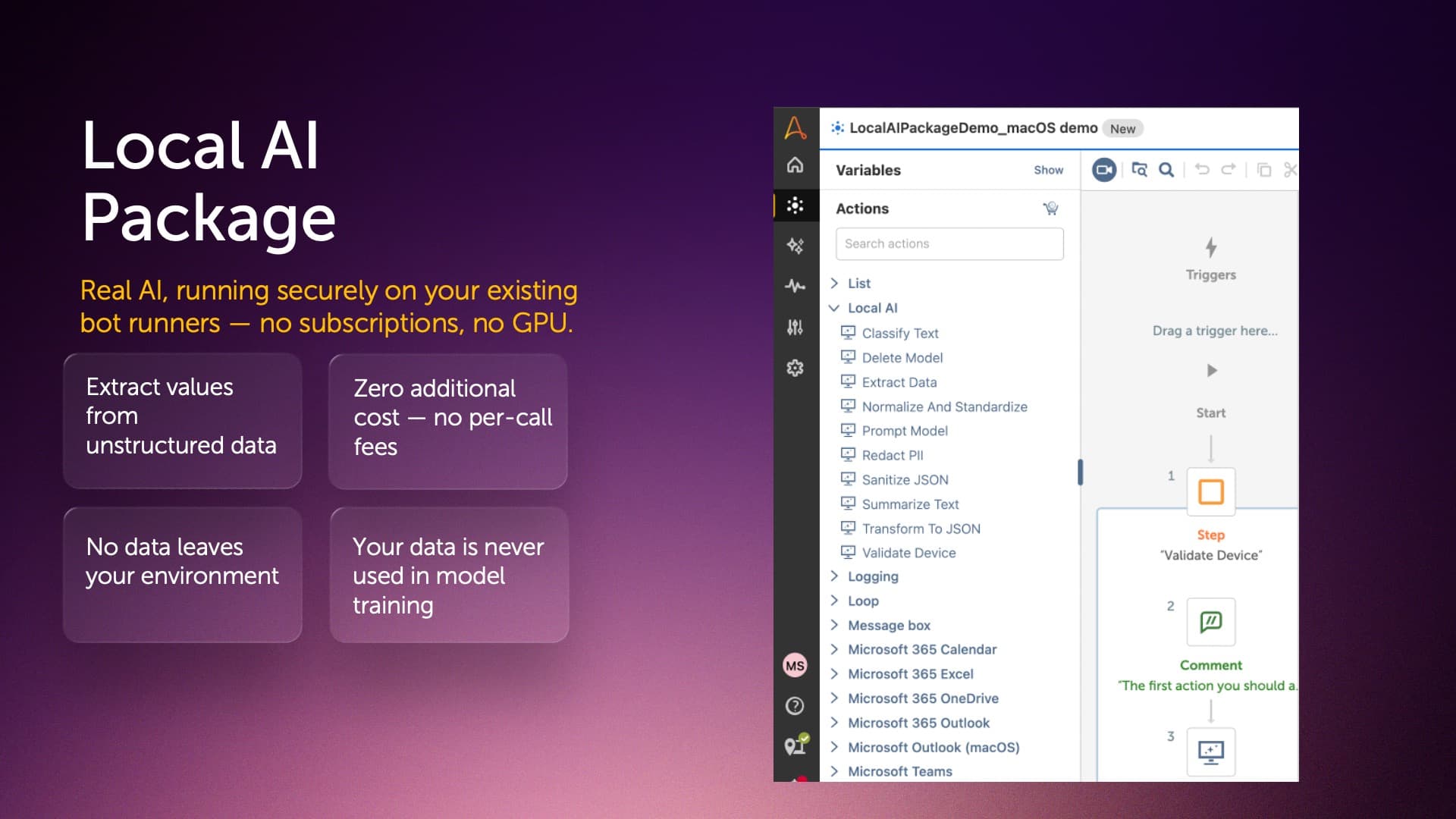
LocalAI removes that tradeoff entirely. It brings real, on-device AI to your Automation Anywhere bots — no cloud, no API keys, no GPU. Using llama.cpp, LocalAI runs seven curated small language models directly on your Bot Agent's CPU, achieving 5-20 tokens/second on a typical 8-core machine.
Once your text is available in a bot — already extracted from a document, email, or ticket — LocalAI's ten actions can classify it into custom categories, pull named fields into a Dictionary, summarize long threads, redact PII before it's logged or sent externally, normalize inconsistent formats like phone numbers and dates, repair malformed JSON, or handle any custom free-form prompt you write.
Models download once (2-3.5GB each) and then run fully offline — perfect for air-gapped or high-security environments. Nothing you send through LocalAI ever leaves your machine, and none of it is ever used to train a model, anywhere.
If you've been automating with rules and triggers and are ready to add real AI — securely, and at no additional cost — LocalAI is where to start.
September 2026 Updates:
- Two new Gemma models — gemma3-270m (~253MB, fastest but verified reliable only for basic Prompt Q&A) and gemma3-1b (~769MB, ~2.8x faster than the default Qwen3-4B and verified reliable across Prompt, Classify, Redact PII, Transform/Sanitize JSON, and Summarize). Both were live-tested per action rather than assumed, so they're only exposed in the actions they actually pass.
- Per-model context windows — inference now uses each model's real advertised context (up to 128K) instead of a uniform 8K cap, with a pre-flight token check that fails fast with a clear error instead of letting an oversized request silently hard-fail on the server.
- Configurable server port — added an optional "Server Port" field to every inference action (default 0 = today's automatic random port, unchanged for existing bots) so locked-down/firewalled environments can pin a specific allow listed port right from the bot config, instead of editing an environment variable (LOCALAI_SERVER_PORT, kept as a fallback) or JVM system property.
- Correctness/performance fixes — tuned CPU thread usage for a real ~30% generation speedup, and fixed a bug where prompt caching could leak context between unrelated back-to-back calls (e.g., a Prompt call followed by a Classify call) and silently corrupt output on smaller models.