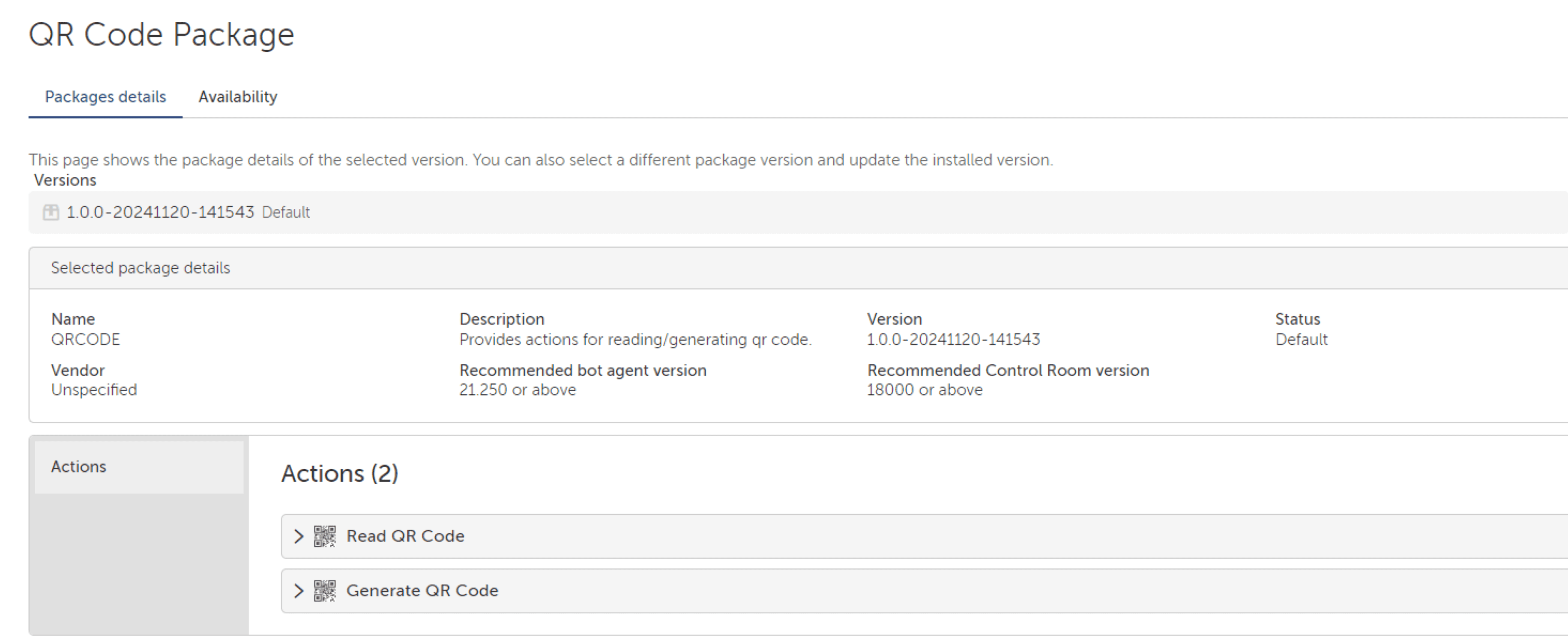
### QR Code Action Package: Description
**Inputs and Triggers**
The QR Code Action Package accepts input in the form of:
- Image files containing QR codes.
- URLs of images hosting QR codes.
- Data strings to generate QR codes.
Triggering actions can include uploading an image, providing a URL, or entering the data for QR code generation.
**Actions**
This bot performs the following tasks:
1. Extracts and decodes QR codes from uploaded images or URLs.
2. Generates QR codes based on user-provided data strings.
**Outputs**
The bot delivers:
- Decoded data from the QR codes in a user-friendly format, such as text or structured data.
- High-quality, generated QR code images ready for use in business processes.
**Use Cases**
Manual QR code decoding or generation can be time-consuming, error-prone, and inefficient. For instance, verifying QR codes manually from customer-provided documents or generating personalized QR codes for events or campaigns requires significant effort. Without automation, businesses may face delays, increased costs, and reduced accuracy.
With the QR Code Action Package, processes are automated to:
- Streamline customer data verification by quickly decoding QR codes.
- Save hours of manual effort in generating bulk QR codes for marketing or operational purposes.
- Eliminate errors by ensuring precise and consistent data handling.
This automation improves workflows, reduces costs, and enhances efficiency, making it invaluable for industries like logistics, marketing, and customer service.