
Resume Screener Package v2
This package is used to search for keywords in resumes
Top Benefits
- Screening through the entire document
- The document is sorted using specific keywords
- Easy to use & saves time
Actions
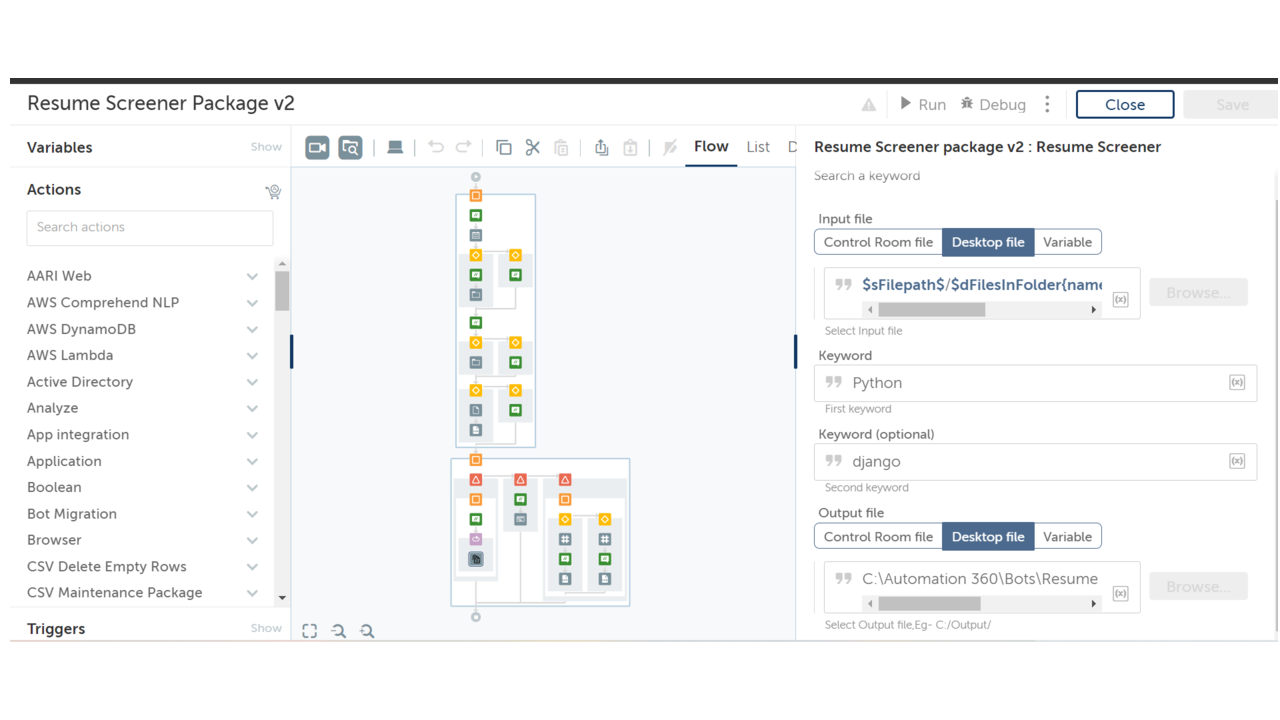
- Reads input resume files and keywords for searching from the user
- Search for the resumes that contain input keywords
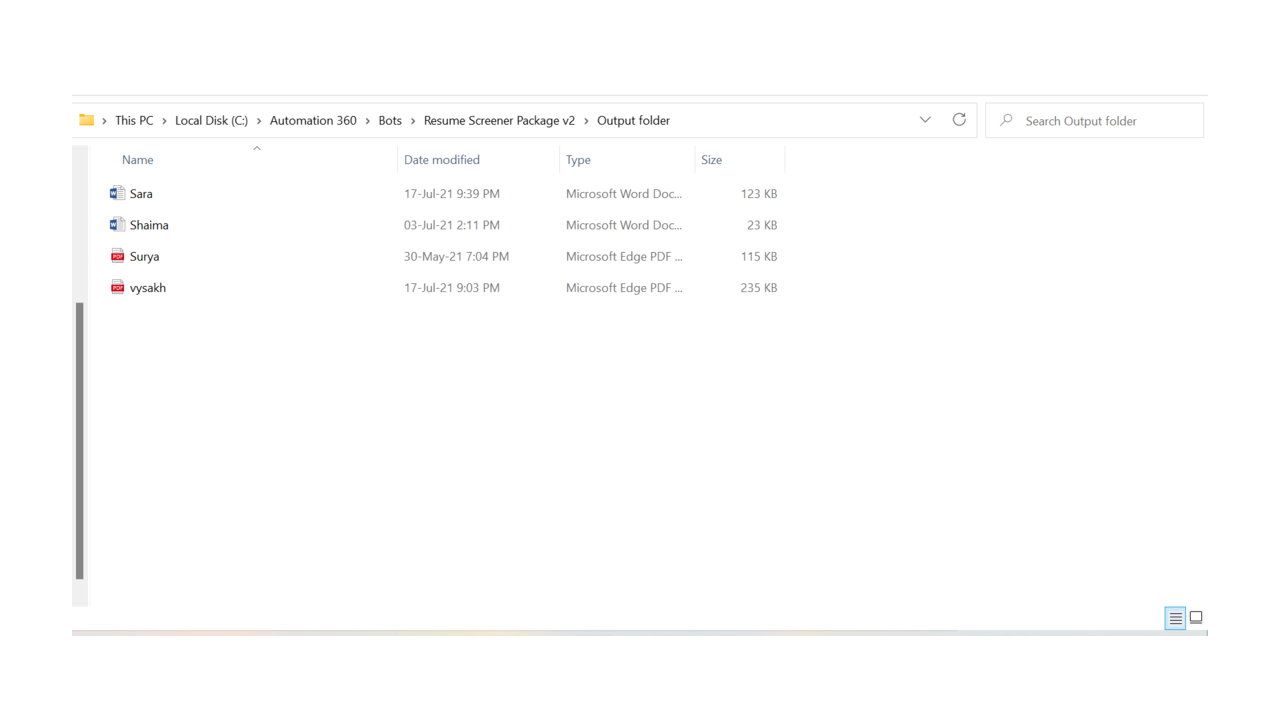
- Copy the match found resumes into the given output folder
- Number of files can be screened at the same time
This package uses the action 'Resume Screener,' which is used to sort resumes that are both in .pdf and .docx formats. Keywords are used to sort the resumes. The input files containing resumes are screened using keywords and copied to the output folder. The user can sort the resumes as per their needs.

Success
The download of Resume Screener Package v2 will begin shortly.
In your Control Room, use the ‘Import’ button to load the downloaded file into your Automations.
Free
- Applications
-



- Business Process
- Human ResourcesInformation Techno...Operations
- Category
- Cognitive Automati...ProductivityUtility
- Downloads
- 79
- Vendor
-

- Automation Type
- Package
- Last Updated
- July 23, 2021
- First Published
- July 23, 2021
- Platform
- Automation 360
- ReadMe
- ReadMe
- Support
-
- KLOUDPAD Mobility Research Pvt. Ltd.
- Mon, Tue, Wed, Thu, Fri 9:00-17:00 UTC+0
- +914844858910
- development@cloudsys.co.in
- Agentic App Store FAQs
- Bot Security Program
-
 Level 1
Bot Security
Level 1
- All automations on Agentic App Store have passed a malware scan.
Bot Security Program
Automation Anywhere Bot Security is the APA industry's first of its kind bot security framework. In partnership with cyber security experts, Bot Security encompasses four (4) progressive levels of security designation. All automations including those built in-house or procured from Agentic App Store, can now be deployed reliably with secure automation development practices in alignment with prevailing Confidentiality, Integrity, and Availability (CIA) cybersecurity principles and best practices. View full Bot Security details.
See the Package in Action
Setup Process
Install
Download the Package and follow the instructions to install it in your AAE Control Room.
Configure
Use the Package in a bot, configure keys and other credentials the package will need (see the ReadMe for details.)
Run
That's it - now the Package is ready to get going!
Requirements and Inputs
- Input resume - WORD or PDF formatted resumes inputs
- Two keywords for searching
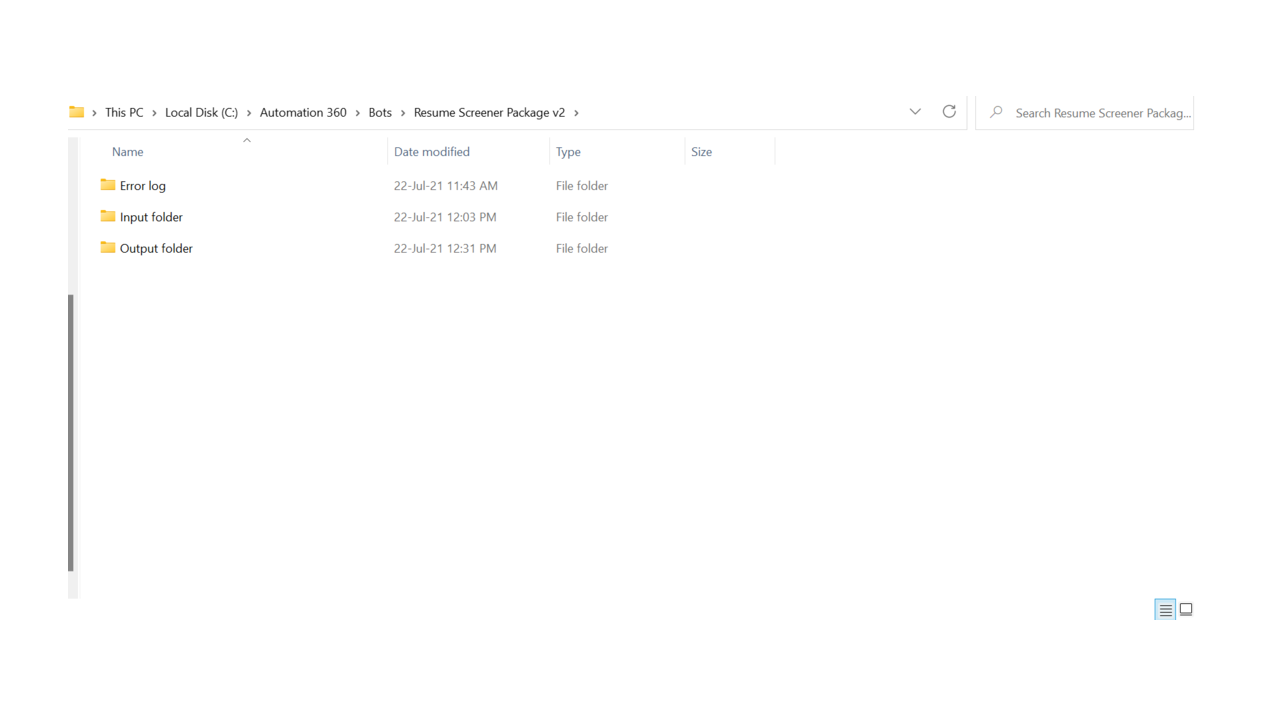
- Output folder path
- Automation 360
- Java 11
Customer Reviews
